Video and editing
Analyze video projects: timelines, cuts, effects and media
Video Mode gathers supported editing and graphics projects and reads available timeline data. Inspect duration, cuts, effects, resolution, FPS and media indicators, with detail varying by editor and format.
Bring together Premiere, After Effects, Resolve and other work
Switch to Video Mode in Bridge and index working folders. Supported work includes Premiere Pro, After Effects, DaVinci Resolve, Final Cut, CapCut, Filmora and graphics projects such as Photoshop and Illustrator. Some editors keep work in databases or libraries: Wolflow analyzes readable formats rather than every internal archive. For Resolve and Final Cut, check the actual indexed project or interchange file.
Open a project panel and compare data
- Find a project in Video Mode and check its path and last modification.
- Open Analysis and read available metrics: video duration, clips, effects, resolution and FPS.
- After editing changes, save and use Update Project Analysis to reread the data.
- Compare results with the original timeline, especially for multiple sequences or compositions.
Cuts, clips and editing pace
Editing pace uses clip or cut counts relative to duration. It is descriptive and useful for comparing similar work, rather than a rule for how many cuts a video should have. An animated composition, interview and commercial can have different counts because of their structure. Do not confuse timeline duration with work hours in history.
Project health: clues rather than hardware benchmarks
The panel can flag offline media, high resolution or many effects. CPU/GPU load indications derive from project characteristics; they are not direct computer performance measurements. If a risk appears, open the session in its editor, verify links and assess proxies or processing. Wolflow does not automatically relink every file or repair timelines.
From analysis to storage management
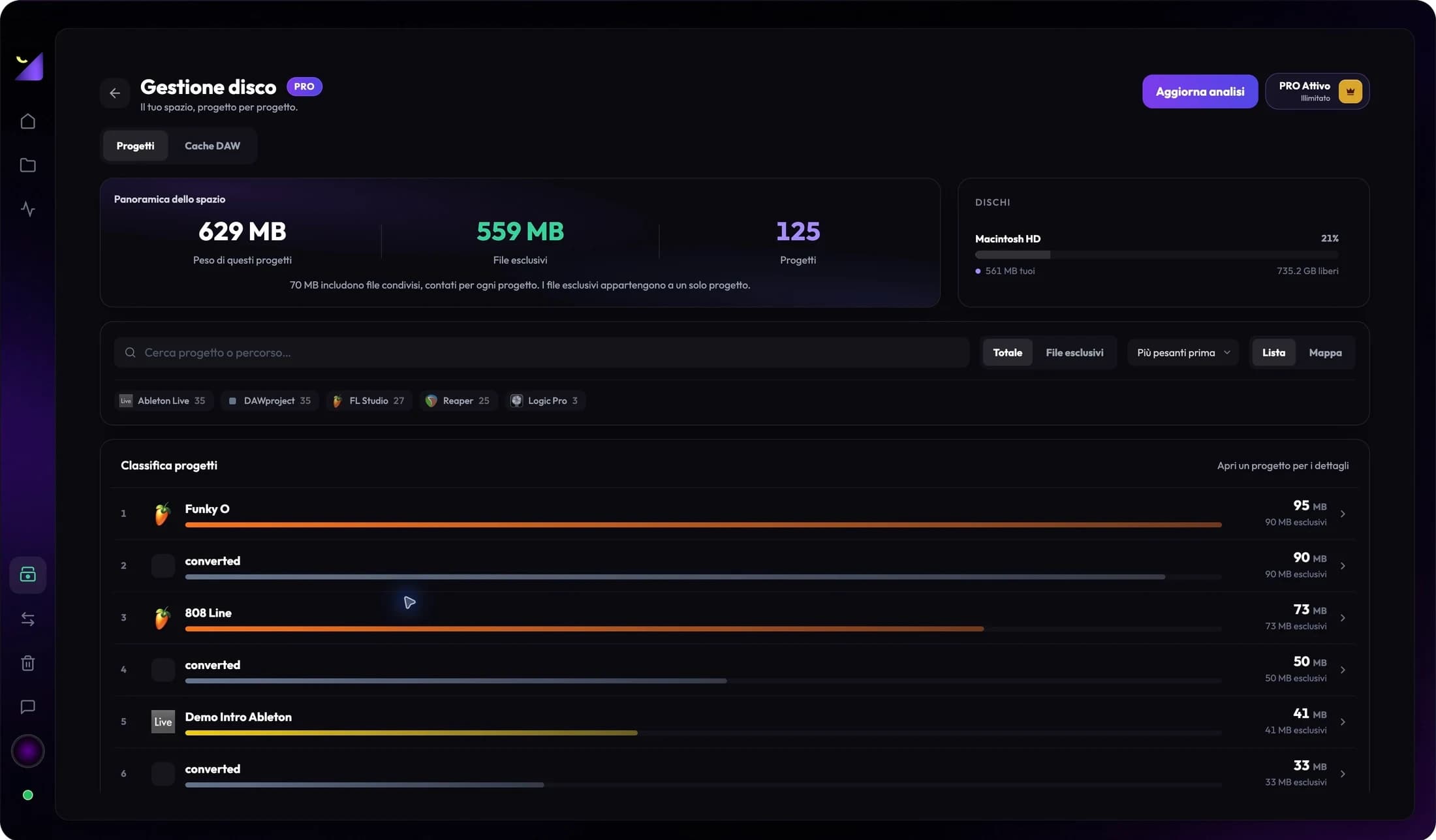
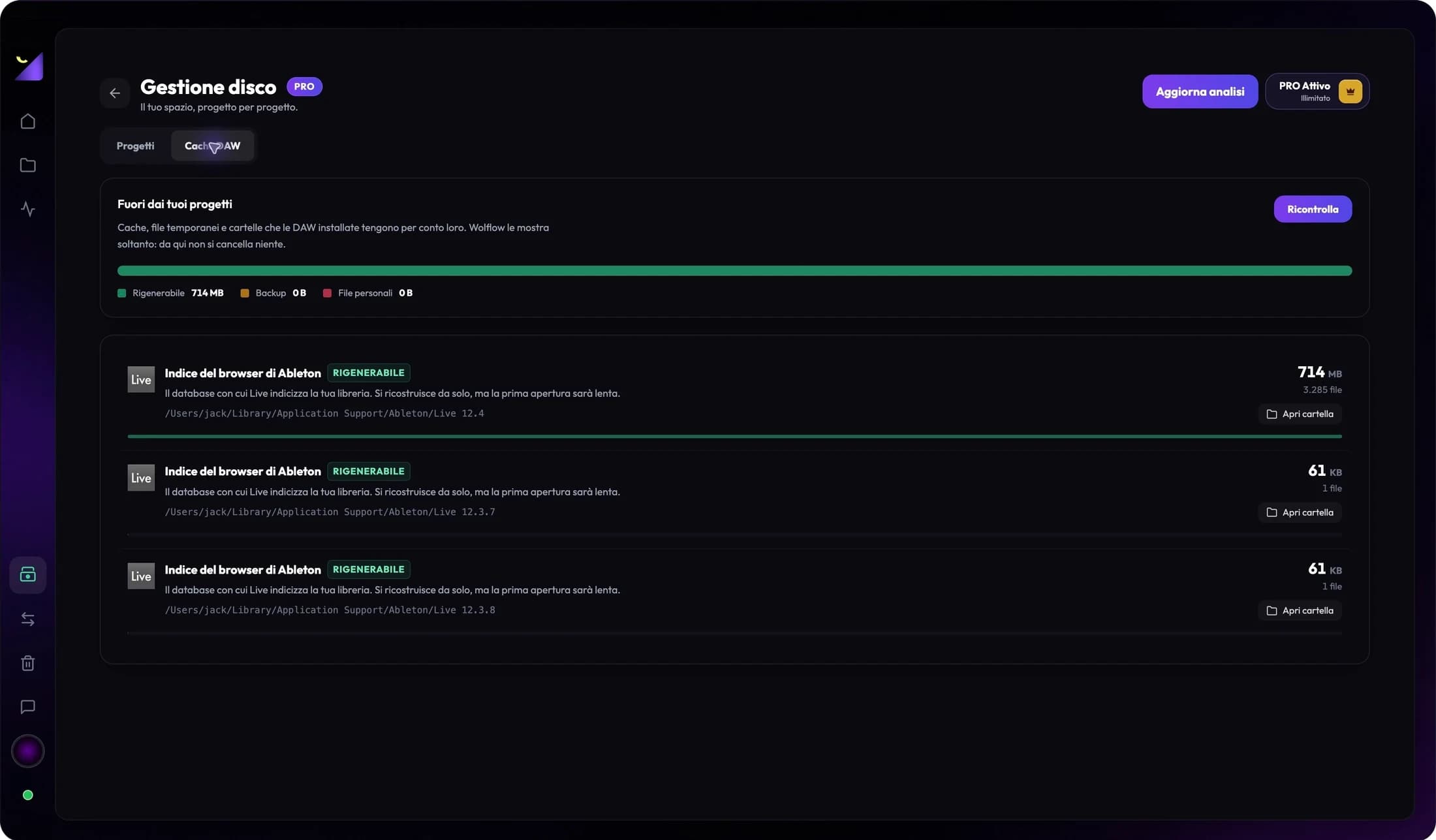
A PRPROJ or AEP file can be small while footage, proxies and caches use many gigabytes. Open PRO Disk Management to rank projects and recognized folders. A DRP is not itself a complete footage archive, and graphics projects may link external images. Verify required assets and fonts before backup, transfer or moving work.
When a metric is missing
An unavailable metric may depend on format, editor version or export method. Do not interpret an empty field as zero effects or zero missing media. Check the original and reanalyze first; report the editor, version and format to support for unexpected results. Catalog organization remains useful when deep analysis is limited.
Frequently asked questions
Does Video Mode edit or export my video?
No. Cataloging and analysis support management; editing, rendering, proxies and media relinking happen in the editor.
Can I convert Premiere to After Effects with the DAW Converter?
No. The DAW Converter concerns supported audio projects. Video catalog presence does not enable conversion between editors.
Try it with your next project
Wolflow is a desktop app for Windows and macOS. Free conversions and backups require a connected account to verify the 7-day quota; Disk Management is a PRO feature. Check the plans for availability.