Disk space and caches
Clear After Effects disk cache and manage your SSD
To empty After Effects disk cache, use Empty Disk Cache in settings or Edit > Purge > All Memory & Disk Cache. Cached data can be rebuilt and is separate from AEP files and original assets. Wolflow PRO shows recognized cache folders with sizes and paths.
Why After Effects fills your drive
Compositions and assets are separate from previews stored on disk. Cache can persist between work sessions and grow independently of the small AEP file. Check the configured folder in your editor version.
Find large projects with Wolflow
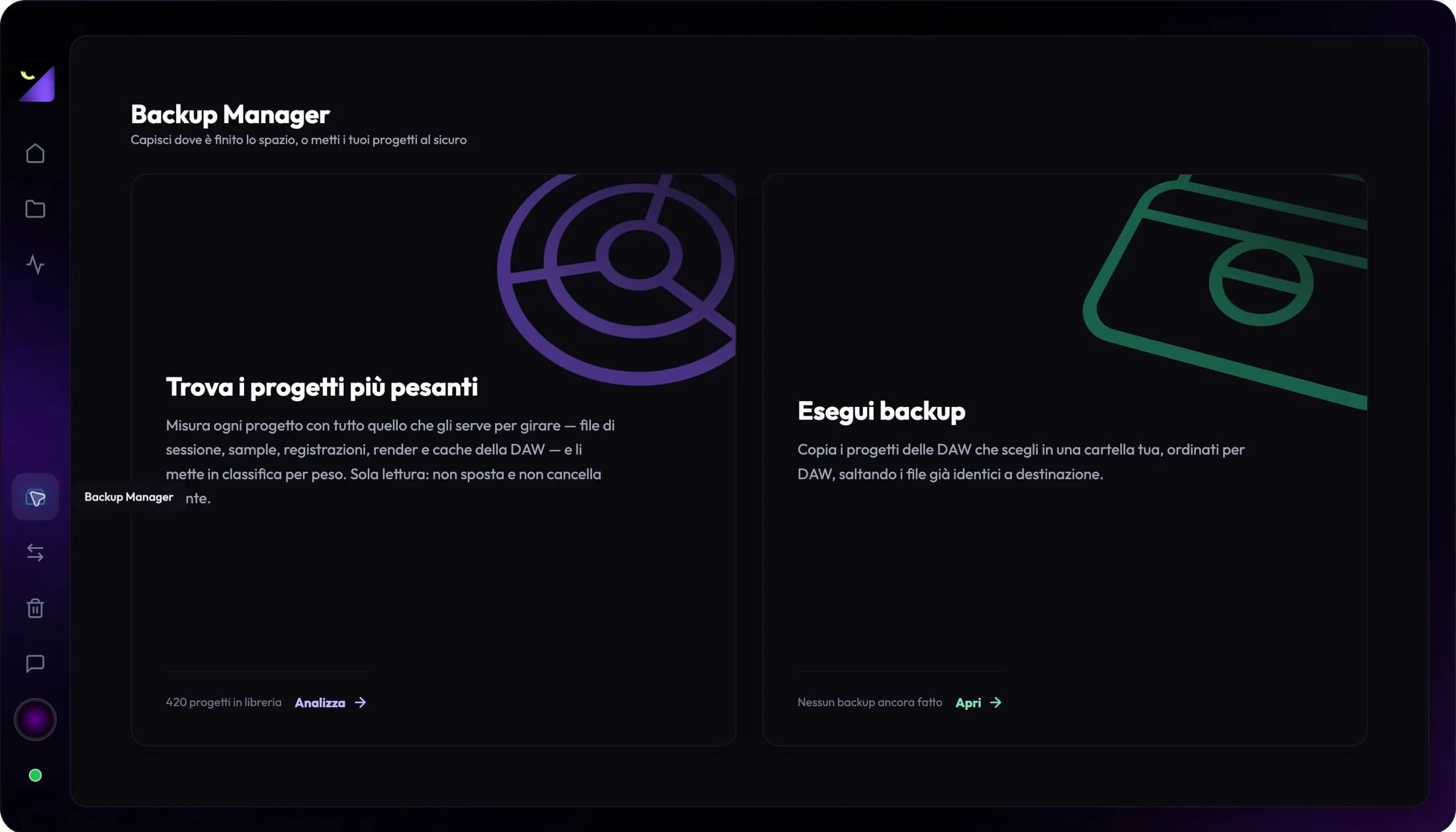
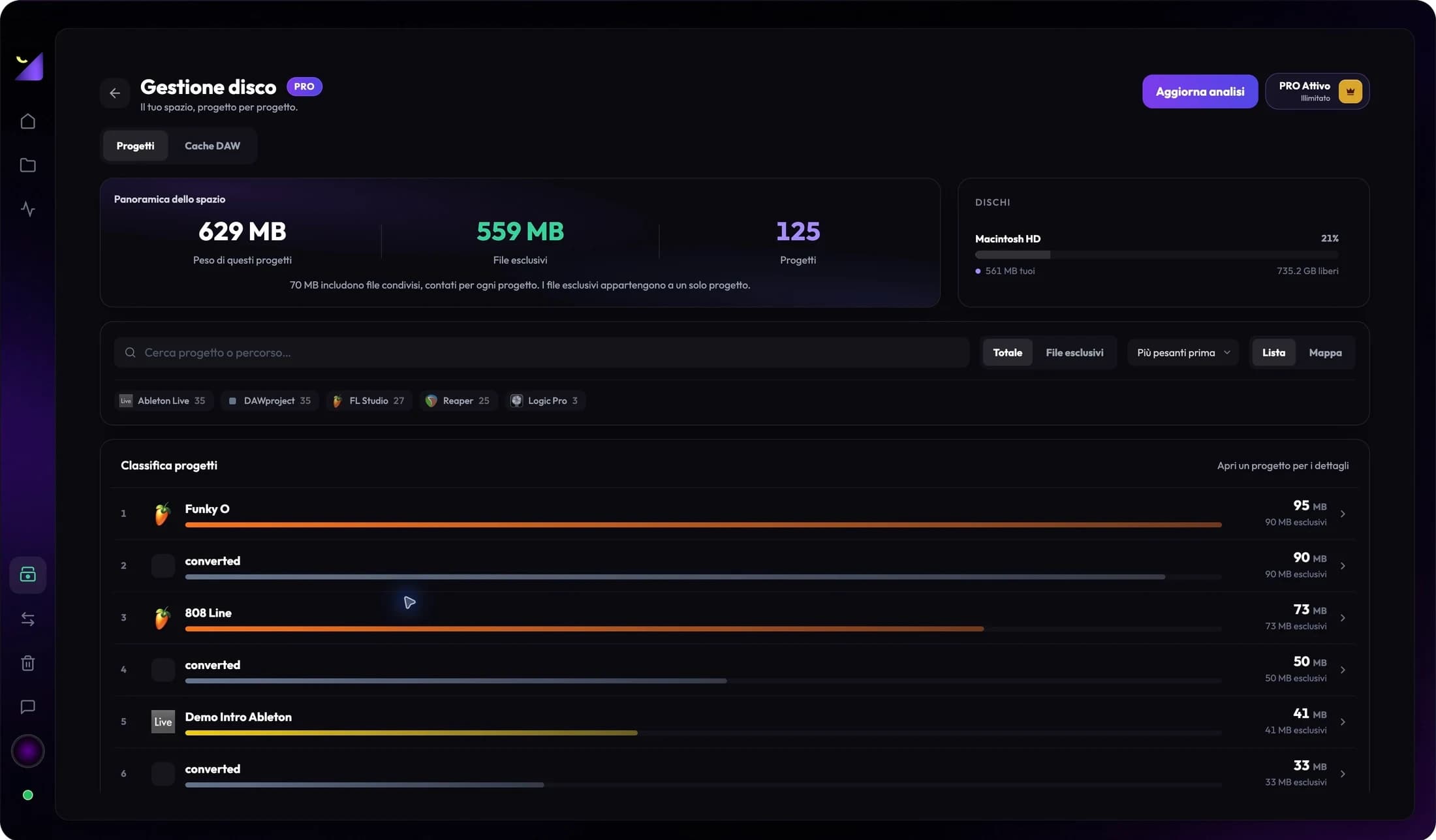
Open Backup Manager and choose Find the heaviest projects. Disk Management is a PRO feature: it ranks analyzed projects by size and shows exclusive files, shared files and free space on the drives involved.
Use the results to decide which job to review. Recognized cache folders show sizes and paths; if you configured custom locations, check them in the editor too. Scanning reads files without moving or deleting them.
How to manage cache in After Effects
In Disk or Media & Disk Cache settings, review the location and maximum size. Use Empty Disk Cache or Edit > Purge > All Memory & Disk Cache. Menu names vary by language and version; removed cached frames will require subsequent processing.
Archive completed work with required media
If source files account for most storage, clearing cache only addresses part of the problem. Prepare a copy of the project and required media at another destination; check assets outside project folders separately.
Open the copy in the source application and check for missing media. Shared media may serve other jobs: check references before moving it. Total project sizes do not necessarily equal the space you can reclaim.
Frequently asked questions
Does Wolflow automatically empty the cache?
No. Wolflow analyzes and shows sizes, paths and categories for recognized folders. Manage cleanup in the editor that generated the cache.
Does the project file show all storage usage?
No. Media, renders and cache can live outside the file and its folder. Review linked files and external drives to understand the job’s storage footprint.
Can I add every project’s size together?
Shared files can be counted in multiple projects. Use the exclusive/shared distinction and check other jobs’ dependencies before estimating reclaimable space.
Sources and documentation
Try it with your next project
Wolflow is a desktop app for Windows and macOS. Free conversions and backups require a connected account to verify the 7-day quota; Disk Management is a PRO feature. Check the plans for availability.