THE WOLFLOW HANDBOOK
Wolflow guides.
Your projects, from the first scan to delivery. Learn the tools, solve a problem or explore a new way to work.
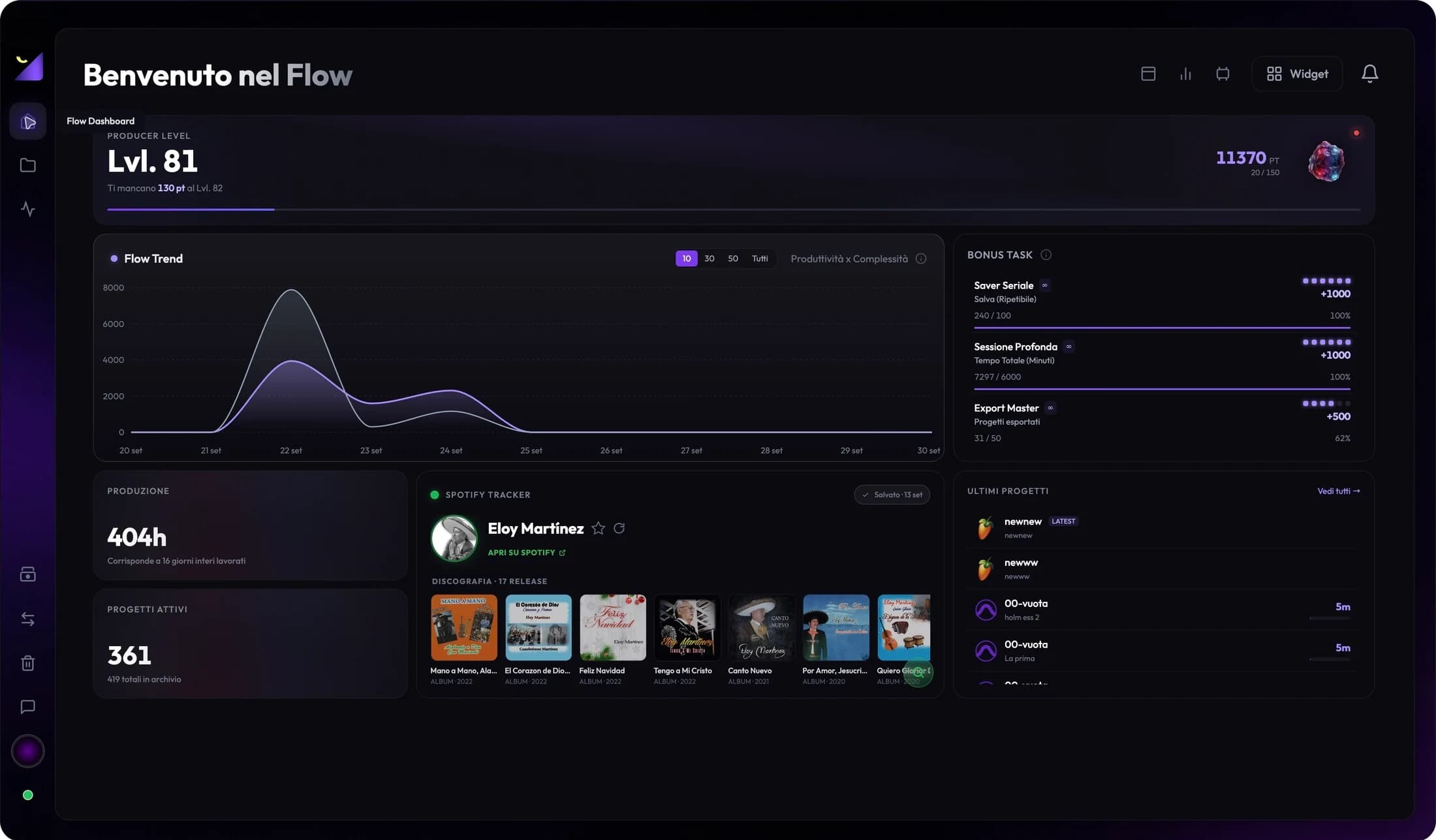
Get to know Wolflow.
Projects, audio, video, conversions and backups. A tour of the app, with a guide for every tool.
Explore the app41 guides found
Getting started
3How Wolflow works: a guide to every feature
Explore Wolflow: audio and video projects, analysis, DAW conversion, disk space, backups, collaboration and production statistics.
Read the guide Wolflow
Install and set up Wolflow on Windows and Mac
From download to your first project: Audio Mode, Video Mode, profile, watched folders, account connection and Bridge checks.
Read the guide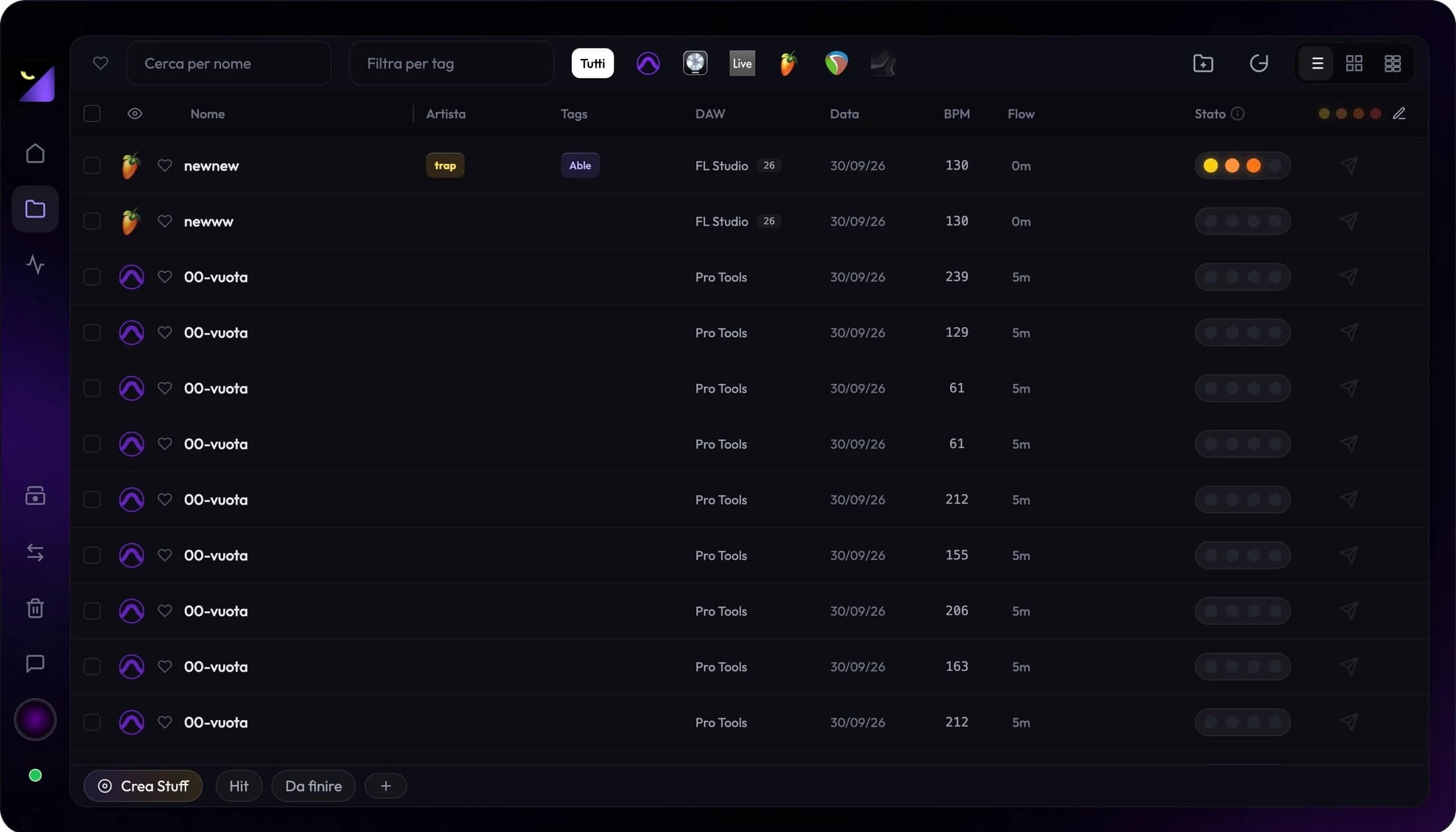
Find DAW and video projects: scans and folders
Find sessions and edits on SSDs, external drives and accessible folders. Full scans, watched folders and missing project troubleshooting.
Read the guideProjects and collaboration
5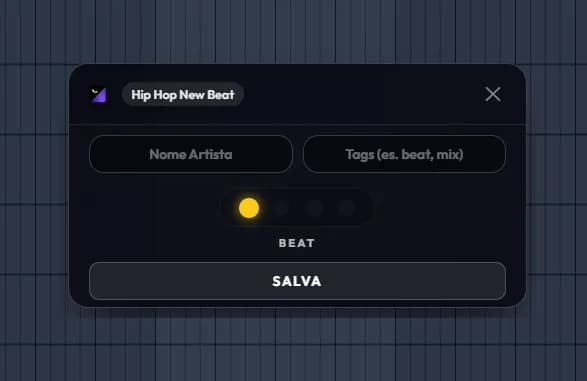
Project tags, status, favorites and collections
Organize beats, albums and client work with tags, artists, covers, Stuff collections and custom stages. Manage hidden projects in Trash.
Read the guide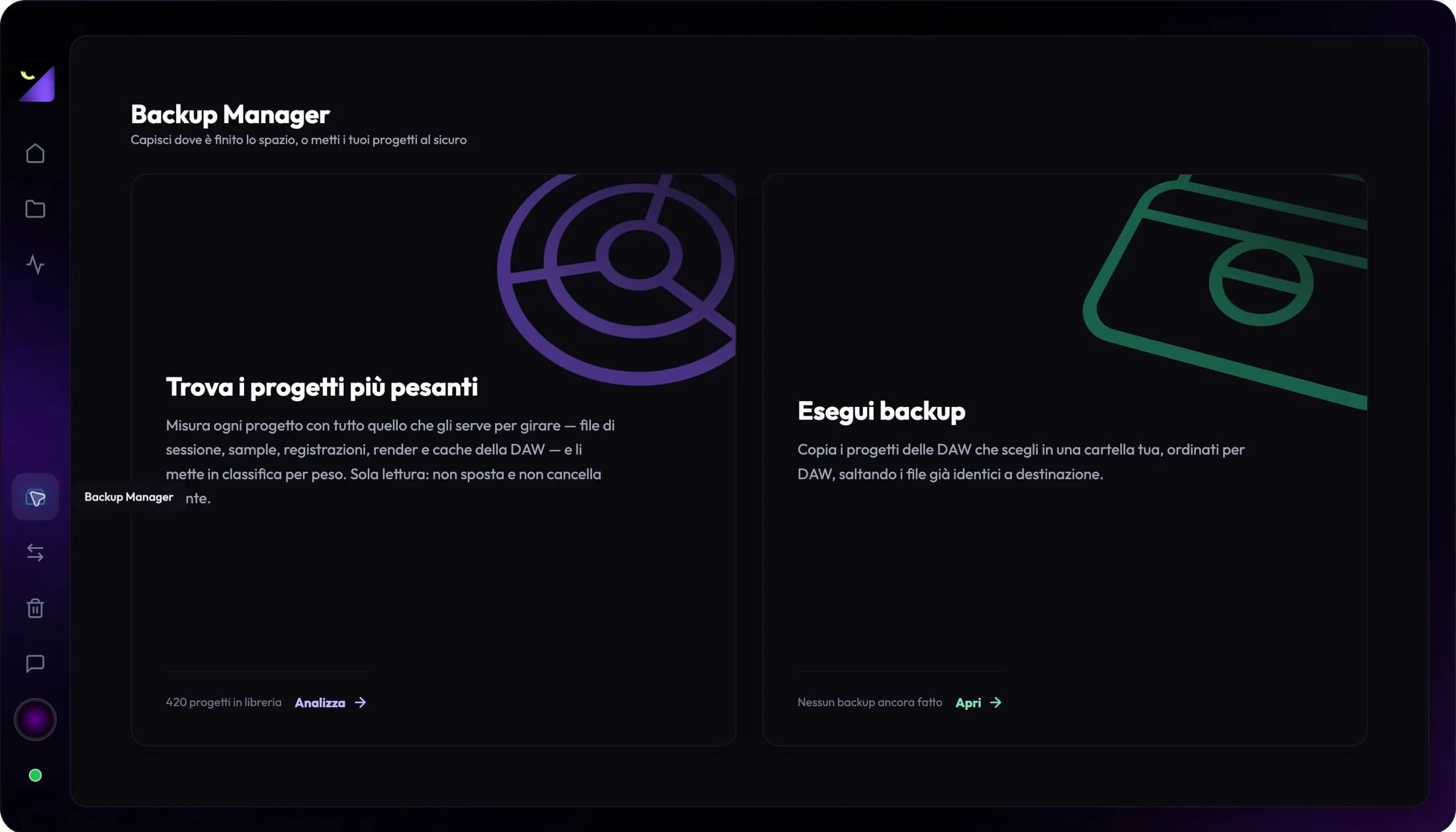
Archive projects to an external drive without losing media
Prepare a move from SSD to an external drive or accessible NAS: collect assets, verify backups and update Wolflow’s watched folders.
Read the guideSend and receive projects with samples and ZIP files
Collaborate from Wolflow: find the recipient, prepare the package, track transfer, accept delivery and verify received projects and media.
Read the guide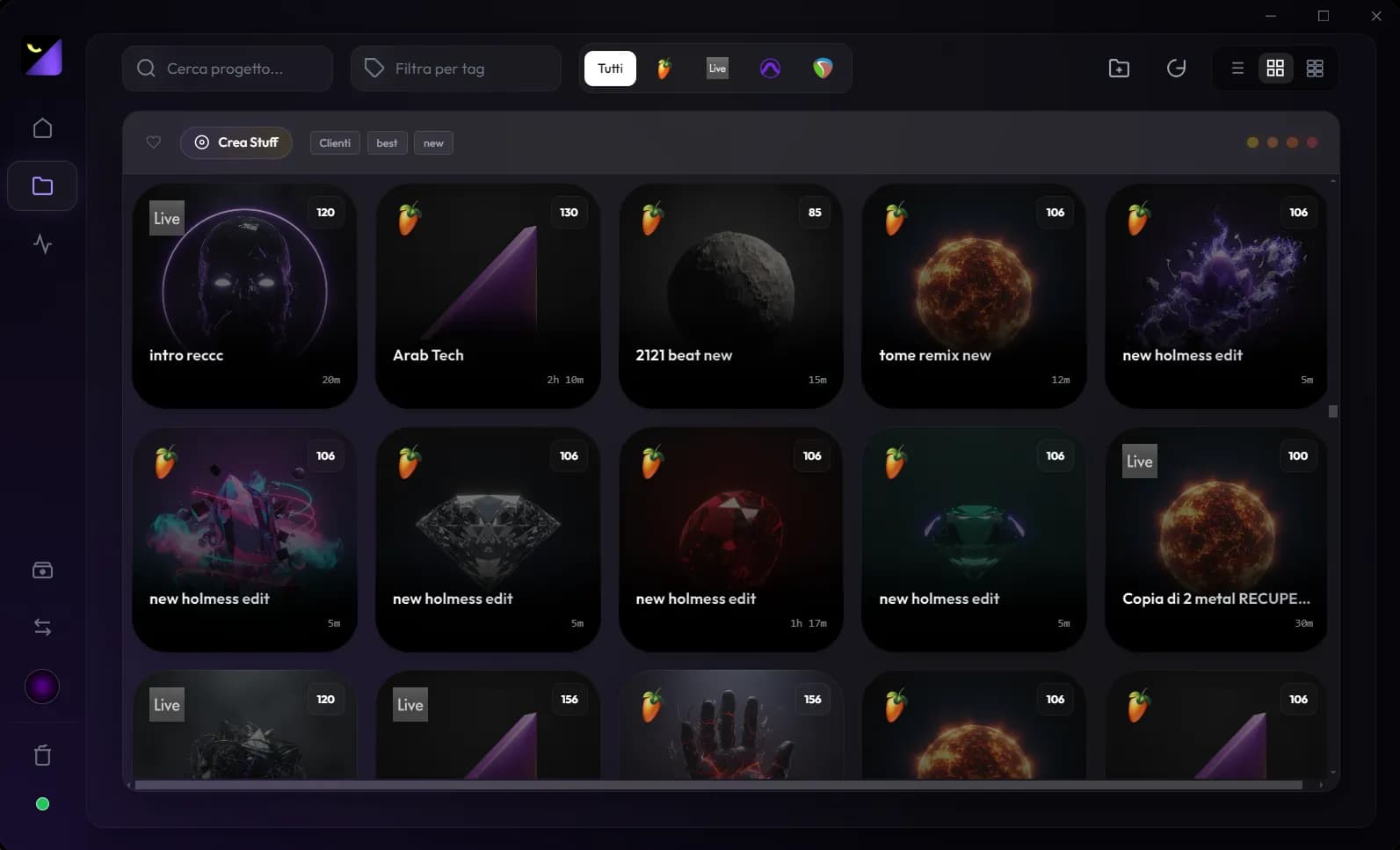
How to organize music and video projects
Organize DAW sessions and video edits with Wolflow: a searchable library, tags, project status and metadata from supported applications.
Read the guideBack up audio and video projects, including media
Prepare backups of FL Studio, Ableton, Premiere and other supported projects. Copy required media and verify restoration before archiving.
Read the guideAudio and plugins
8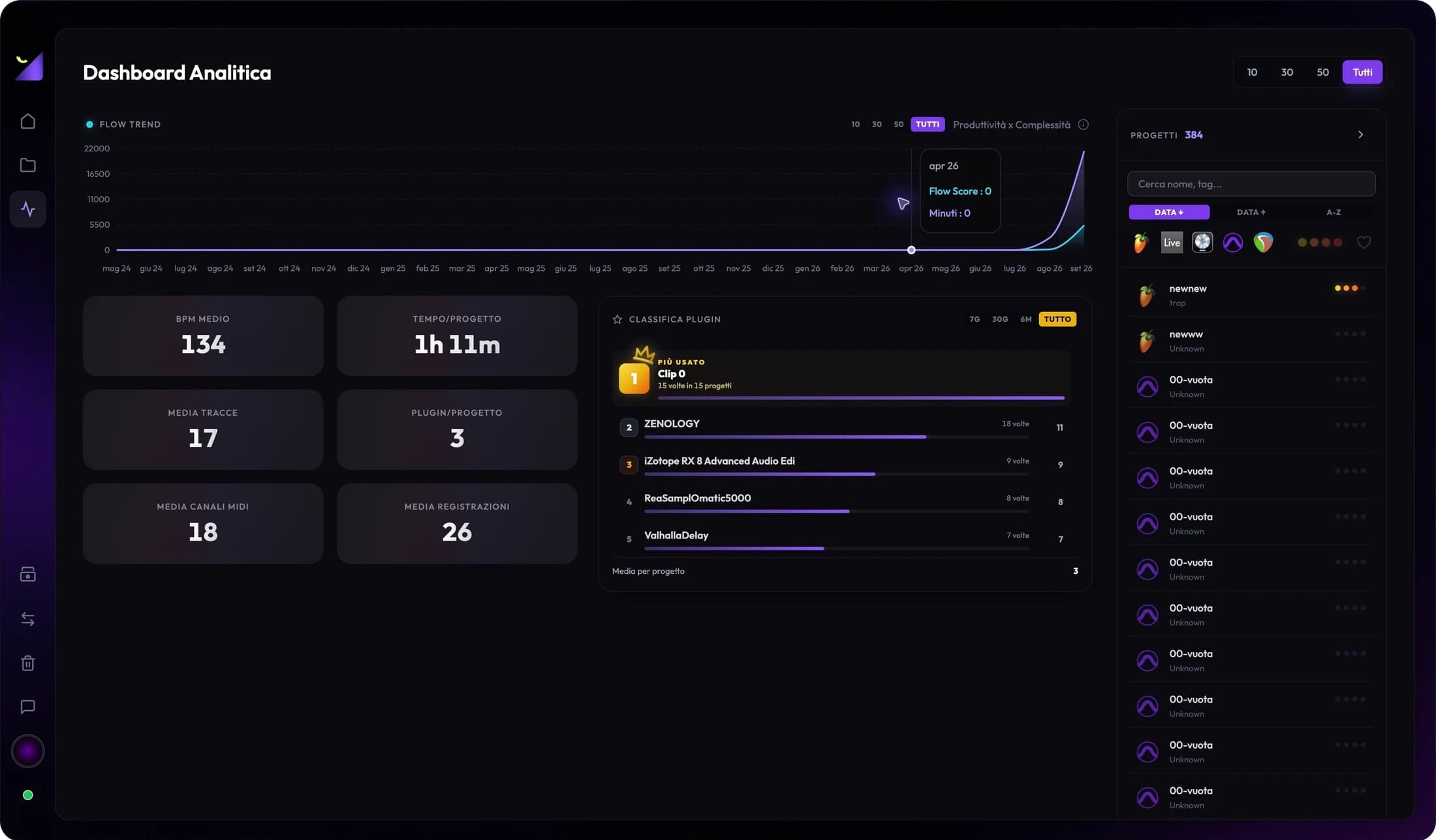
Analyze audio projects: BPM, tracks, MIDI and plugins
Inspect sessions without opening every DAW: BPM, duration, tracks, recordings, plugins and progress, with format-specific limits.
Read the guideWhich plugins did I use? Catalog, charts and compatibility
Find VSTs, AUs and instruments in sessions, read Plugin Leaderboard and Plugin Charts, and check compatibility before changing DAWs.
Read the guideLink exports and bounces to music projects
Link WAVs and MP3s to projects, listen in the player and distinguish demos, mixes and masters. Prepare exports for analysis and A/B comparisons.
Read the guide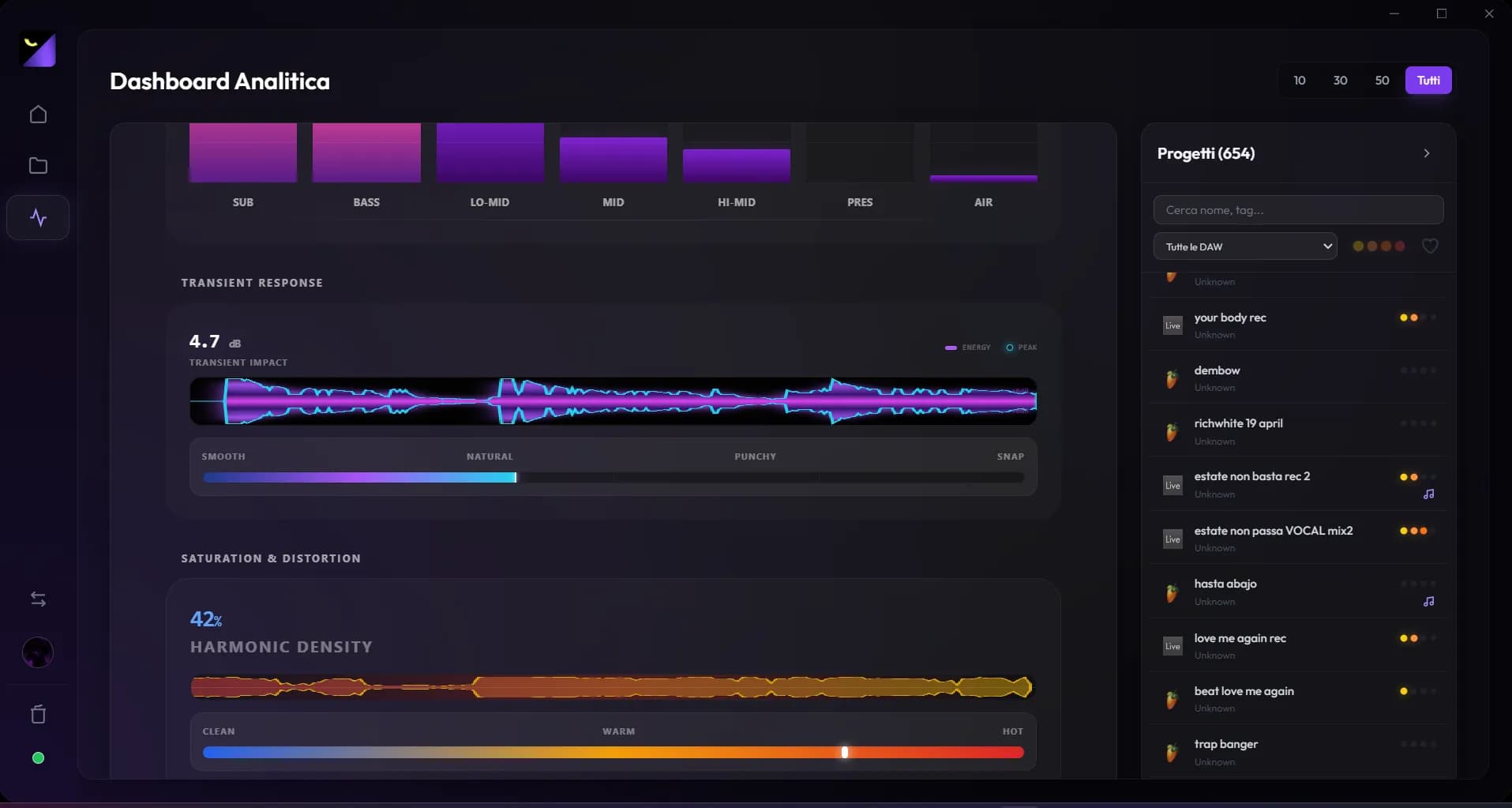
Analyze LUFS and true peak and compare two masters
Measure bounce loudness, peaks and dynamics in Wolflow. Read distribution references and compare A/B exports at equivalent loudness.
Read the guideAdvanced audio analysis: spectrum, stereo, dynamics and noise
Use MIX and MASTER modes to inspect spectrum, tonal balance, phase, transients, saturation and technical reports for your export.
Read the guide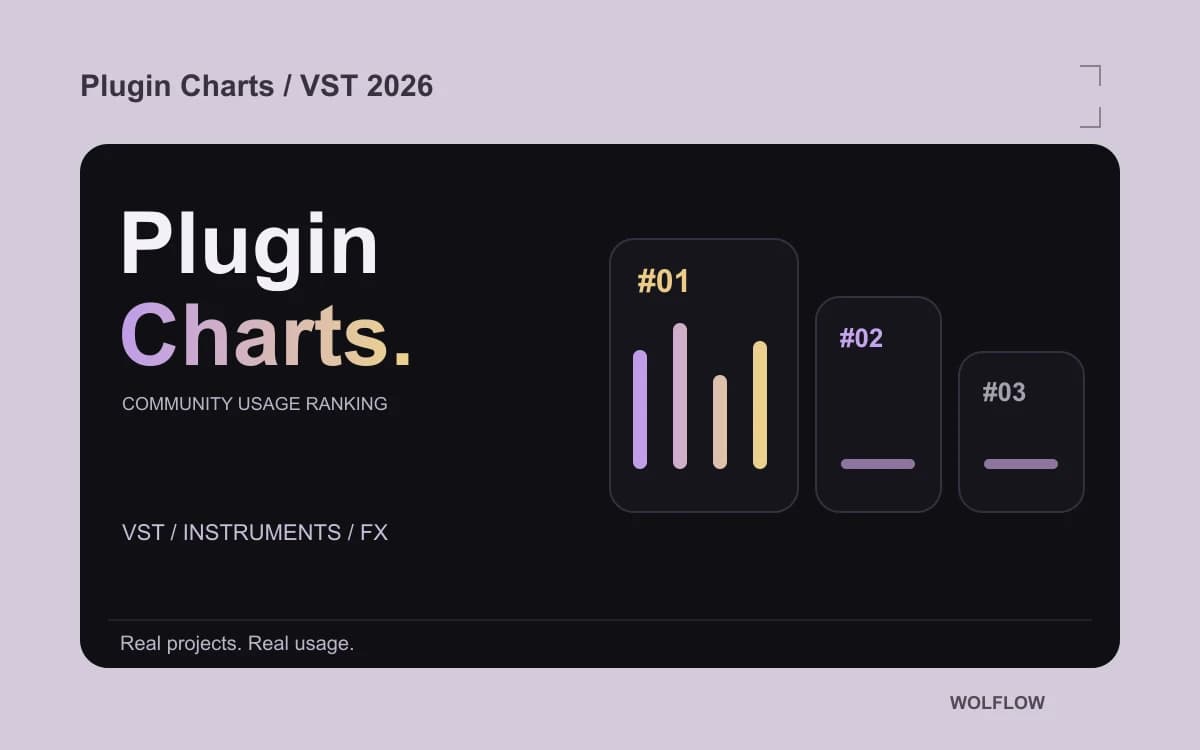
Best VST plugins 2026: what do producers actually use?
Looking for the best plugins in 2026? Explore VST instruments and effects used in real Wolflow community projects with the updated Plugin Charts ranking.
Read the guide
Best FL Studio plugins: VST instruments for your beats
How to choose VST instruments for FL Studio: synths, pianos, samplers, compatibility and real usage. Start with the Instruments section of Plugin Charts.
Read the guide
Best effect plugins for mixing and mastering: how to choose
EQ, compressors, reverb, saturation and limiters: choose effects for mixing and mastering and explore the most-used plugins in Plugin Charts’ FX ranking.
Read the guideVideo and editing
1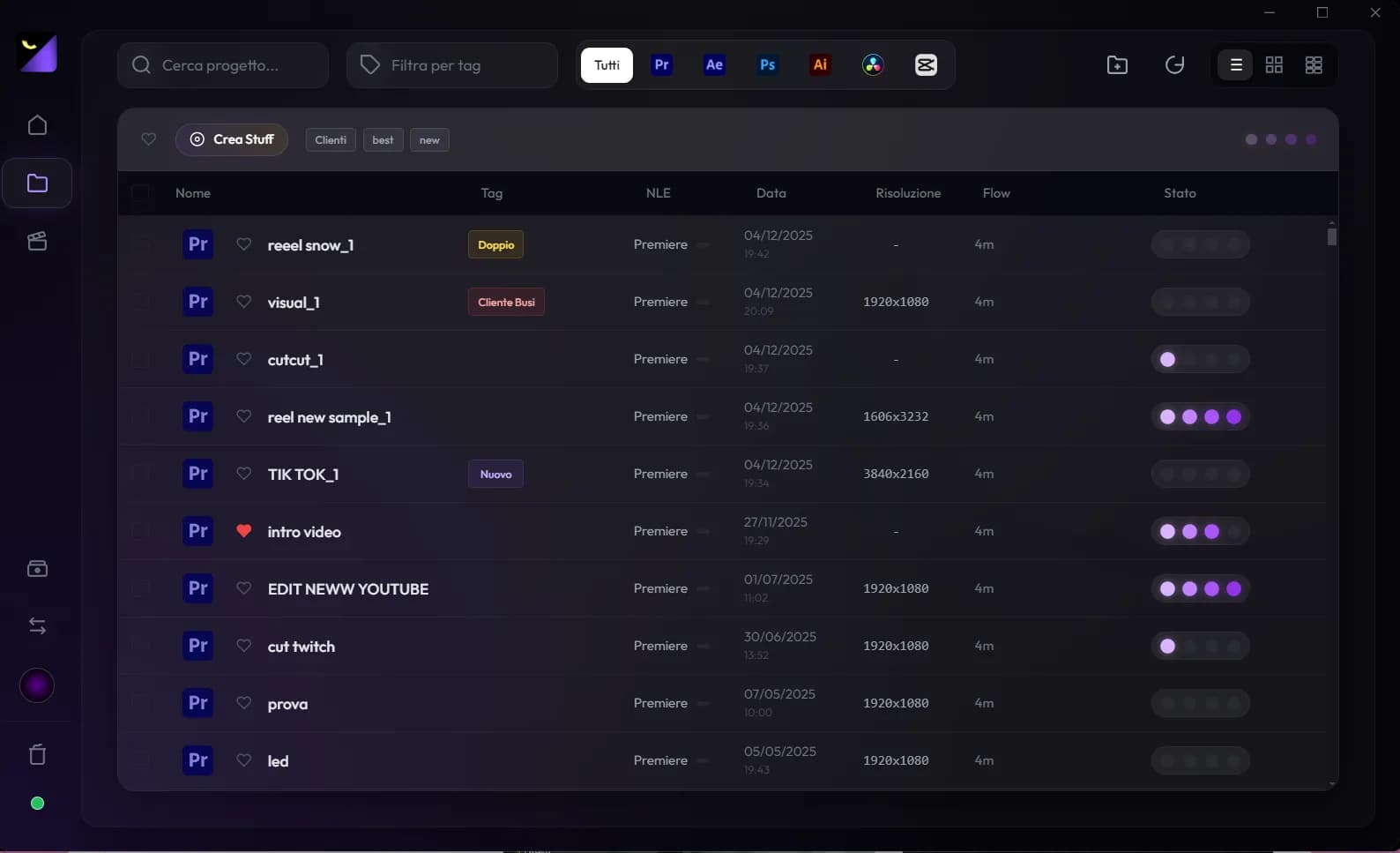
DAW conversion
11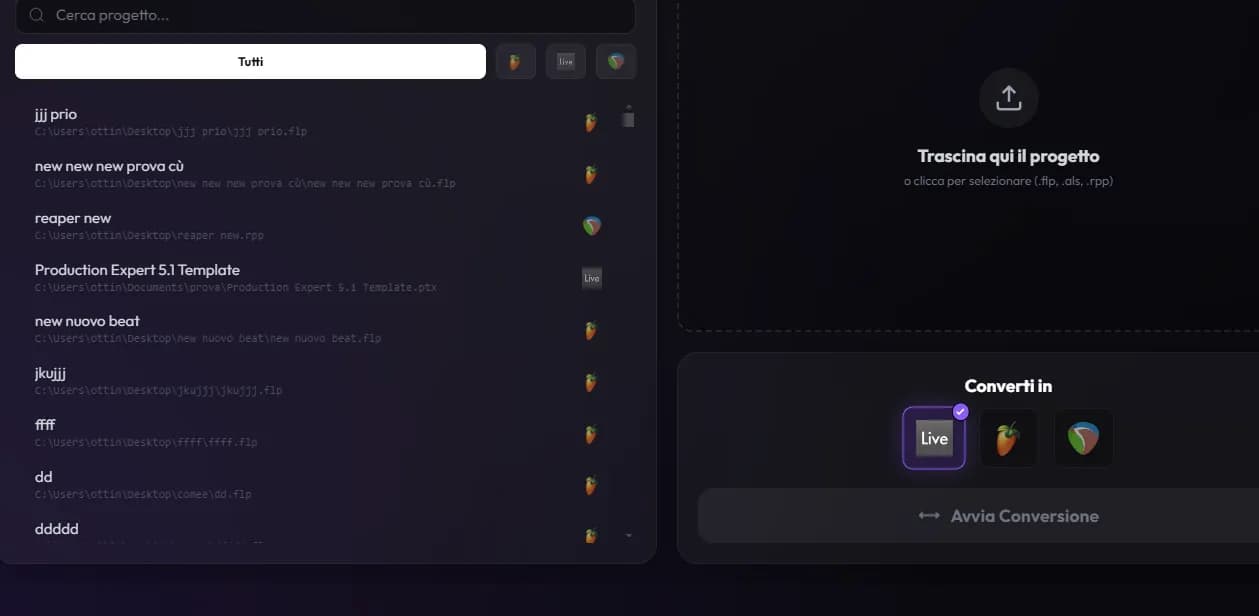
Use the DAW Converter: formats, plugins and checks
A complete Wolflow converter workflow: sources and destinations, editable projects, Plugin Preflight, reports and destination DAW checks.
Read the guideExport stems and AAF for Pro Tools and Logic Pro
Prepare an audio handoff with Wolflow’s guided workflow: Mix or Project stems, sample rate, MIDI, media and AAF import checks.
Read the guide

Convert FL Studio to Ableton: FLP to ALS
Move a FL Studio project to Ableton Live with Wolflow. Prepare samples and plugins, convert FLP to ALS and check the result before collaborating.
Read the guideConvert Ableton to FL Studio: ALS to FLP
Convert an Ableton Live project to FL Studio with Wolflow. Prepare the Live Set, transfer compatible elements and verify the resulting FLP file.
Read the guide
Convert Ableton to REAPER: ALS to RPP
Transfer an Ableton Live Set to REAPER. Convert ALS to RPP with Wolflow and review clips, plugins, automation and session media.
Read the guideConvert REAPER to Ableton: RPP to ALS
Move a REAPER session to Ableton Live with Wolflow. Prepare the RPP project, convert to ALS and review routing, samples and plugins.
Read the guideConvert FL Studio to REAPER: FLP to RPP
Move a FL Studio beat into a REAPER session: convert FLP to RPP with Wolflow and check the arrangement, instruments, samples and supported automation.
Read the guideConvert REAPER to FL Studio: RPP to FLP
Convert a REAPER session to FL Studio with Wolflow. Prepare media and plugins, generate the FLP file and compare it with the original project.
Read the guide
Convert FL Studio to Logic Pro: a native project
Wolflow 0.9.993 converts FL Studio to a native Logic Pro project on Mac. Learn about the base project, AU plugins and conversion report.
Read the guide
Convert FL Studio to Pro Tools: a PTX session
Convert FL Studio to a native Pro Tools PTX session with Wolflow 0.9.993 on Windows and Mac. Clips, MIDI, mixer and compatible AAX presets.
Read the guideOpen DAW projects in older versions
A FL Studio or Ableton project will not open in your version? Check backward compatibility with Wolflow and review devices, plugins and media.
Read the guideDisk space and caches
5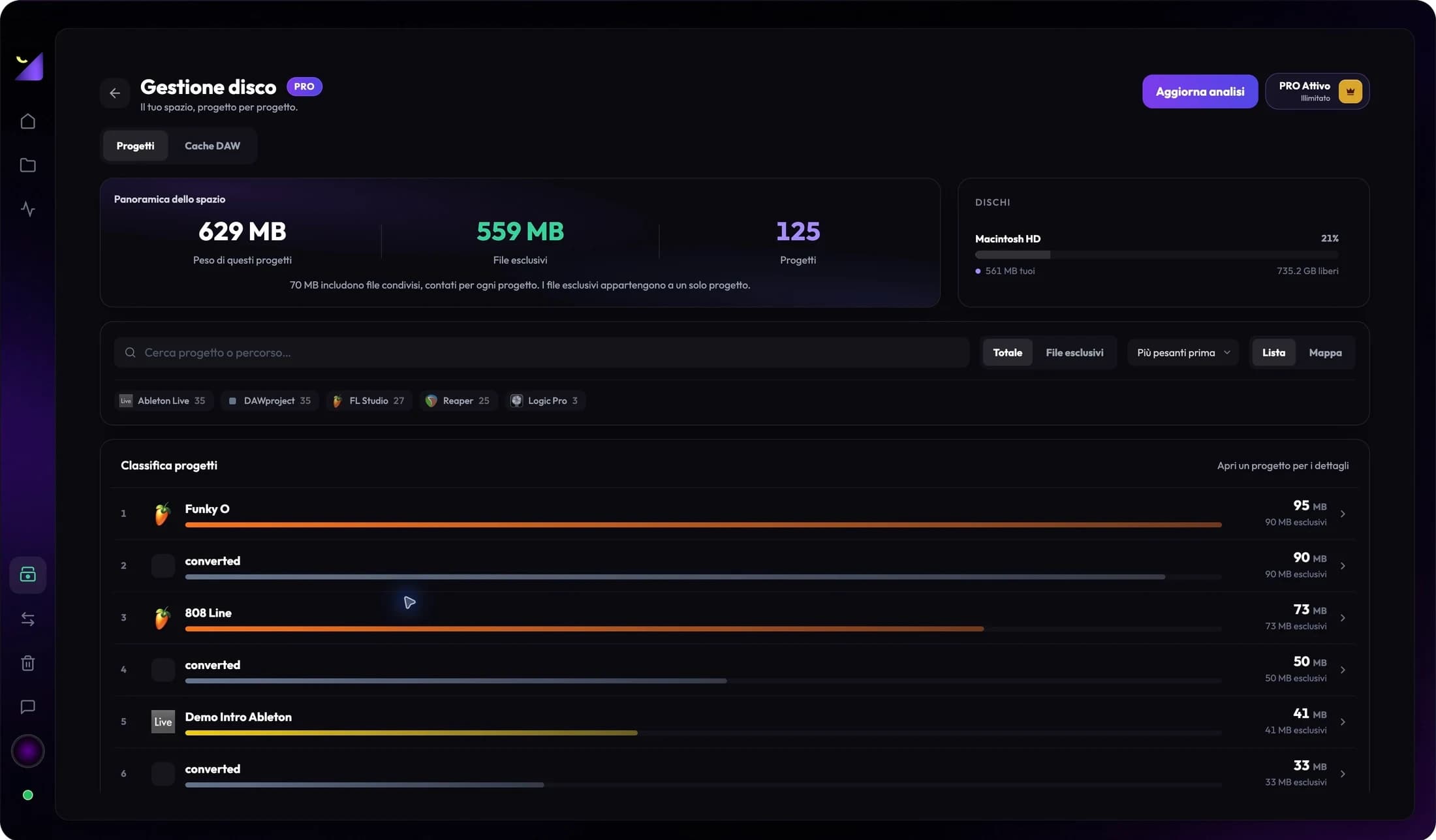
Find heavy projects and identify shared files
Read Disk Management: total and exclusive size, drive and application filters, storage map, file categories and partial results.
Read the guide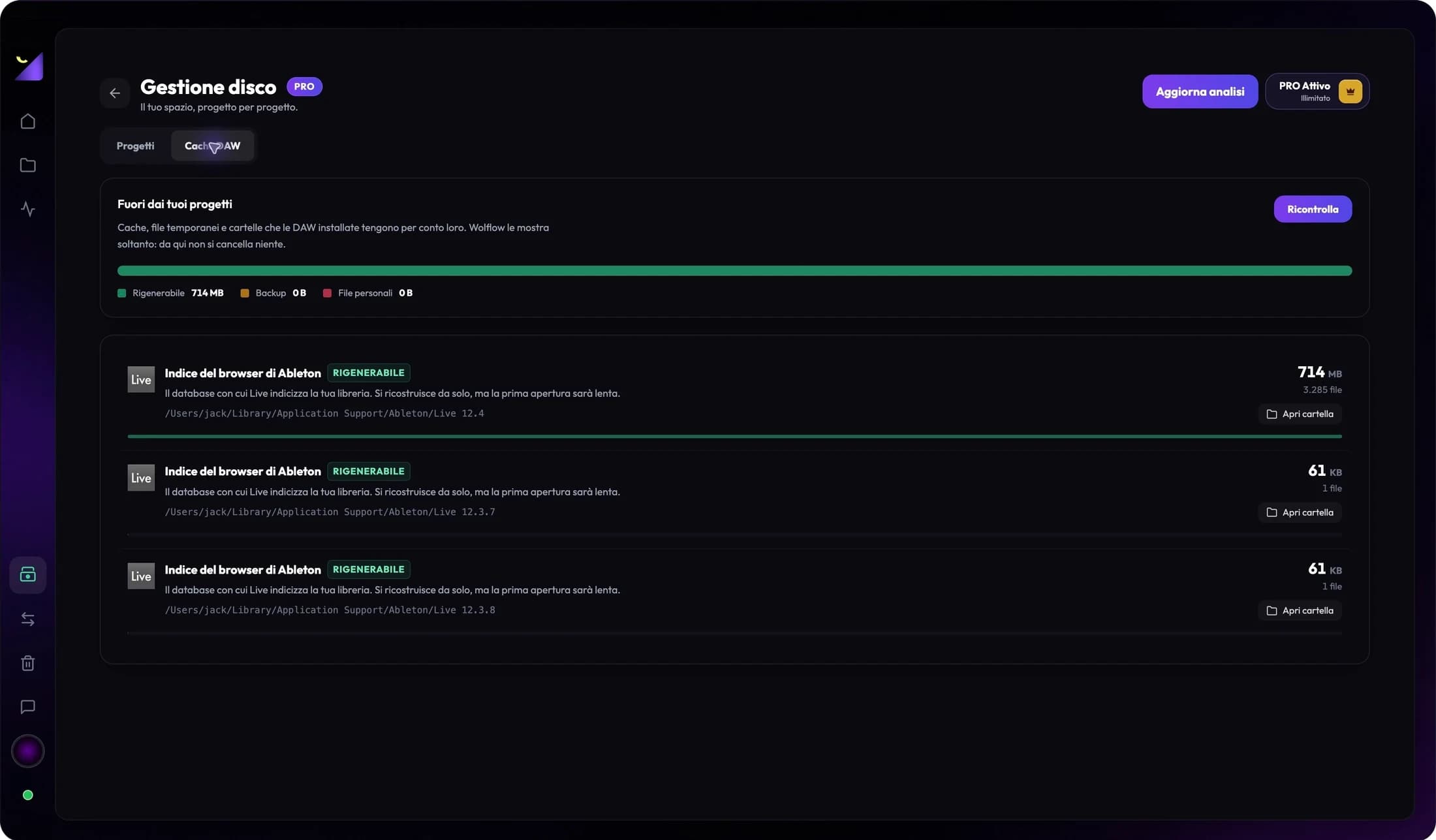
DAW caches: FL Studio, Ableton, Logic and REAPER storage
Find caches and folders outside music projects. Distinguish regenerable data, backups and personal files before managing storage.
Read the guidePremiere Pro taking up space: media and cache
SSD full with Premiere Pro? Separate footage, proxies, exports and Media Cache. Find large projects with Wolflow and prepare your archive.
Read the guideClear After Effects disk cache and manage your SSD
Locate and empty After Effects Disk Cache from the editor settings. Review storage usage while keeping your projects and source assets.
Read the guideFree disk space in DaVinci Resolve: cache and media
Render cache, proxies and original footage in DaVinci Resolve: understand storage use, find large projects with Wolflow and verify your backup.
Read the guideDashboard and productivity
5Track work time on audio and video projects
Understand production hours, application usage and estimates from saves. Read history and trends without confusing work time with song length.
Read the guideCustomize the Wolflow dashboard and read its widgets
Choose layouts, widgets and a Home view: production, sessions, projects, exports, trends, DAW usage, recent work and integrations.
Read the guideFlow Coach, Flow Points, levels and tasks: how to use them
Turn data and suggestions into next actions: export checks, project progress, daily tasks, milestones and levels.
Read the guideWolflow Wrapped: statistics, identity and sharing
Access your Wolflow recap, sync data, read production and plugin statistics, manage project-name consent and share cards.
Read the guideSpotify and YouTube widgets: follow an artist and channel
Add dashboard widgets, find an artist or channel, refresh available data and distinguish public metrics from local project activity.
Read the guideStudio and earnings
1Account and support
2Wolflow account, Free and PRO: limits, sync and privacy
Connect the app to your account, check conversion, transfer and backup quotas, PRO availability and data synced with the website.
Read the guideFix Wolflow problems: Bridge, scans, audio and accounts
Troubleshoot missing projects, disconnected Bridge, empty metadata, unreadable exports and failed conversions or backups. Support and updates.
Read the guide