Audio and plugins
Analyze audio projects: BPM, tracks, MIDI and plugins
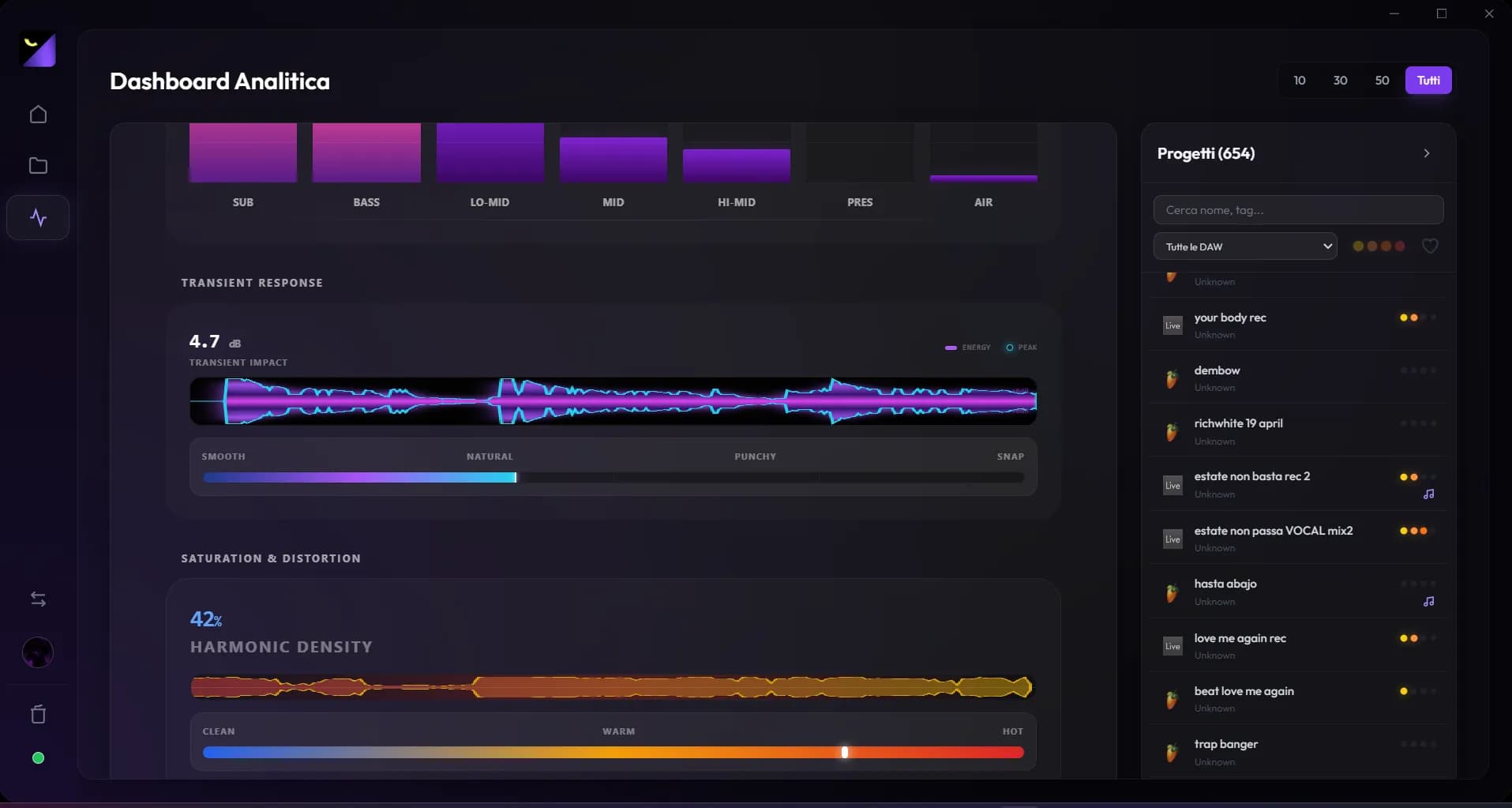
Audio project analysis reads session data, while bounce analysis measures exported sound. Use the former to understand arrangements and dependencies, and the latter to check mix levels and technical behavior.
Open and refresh project analysis
- In Audio Mode, select a library project and use Open Analysis.
- Check path, modification date and DAW: similarly named versions can be different files.
- If you just changed the session, save in the DAW and use Full Re-analysis to refresh metadata.
- Link an export when you want to move from structural data to sound measurements.
BPM, key and duration: what they mean
BPM describes tempo read from the project; key appears when detectable from supported data. Duration describes the song or timeline, rather than hours spent in the studio. An empty field may mean missing data or unsupported extraction for that detail. For tempo changes or complex structures, compare with the original timeline.
Tracks, MIDI, patterns, automation and mixer
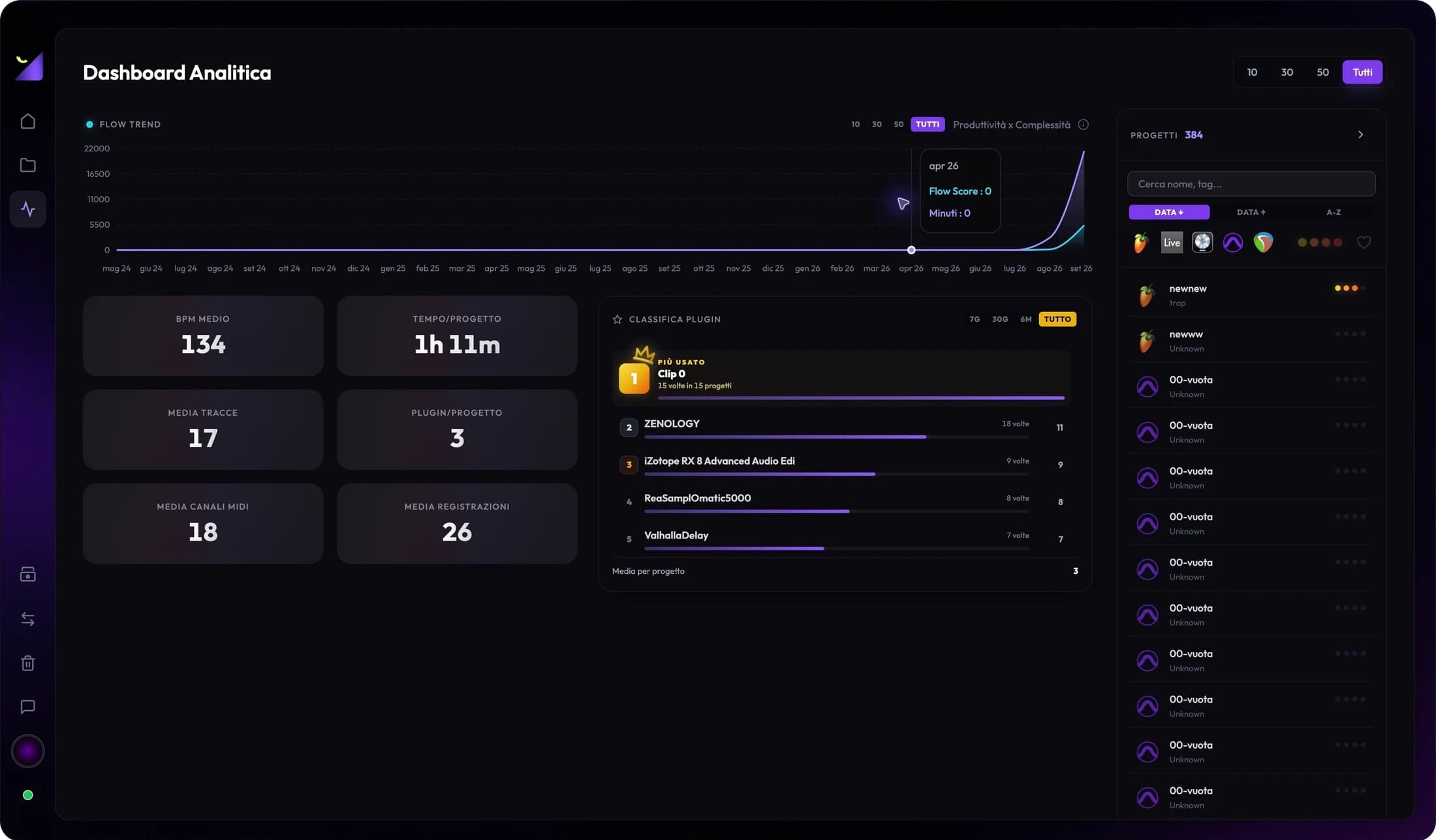
Counters help distinguish a sketch from a developed session and show where work is concentrated. Audio tracks, MIDI channels, patterns, recordings and automation depend on the DAW parser. Do not add overlapping categories as though they were always distinct tracks; a pattern may be reused and a track can hold several clips.
Plugins, recordings and linked files
The plugin list identifies instruments and effects appearing in the session. It does not prove they are installed or licensed on the machine opening it. Detected recordings help locate takes worth preserving. For a handoff or backup, check sample paths and external media; seeing an analysis entry does not mean you have a copy.
Progress and complexity without confusion
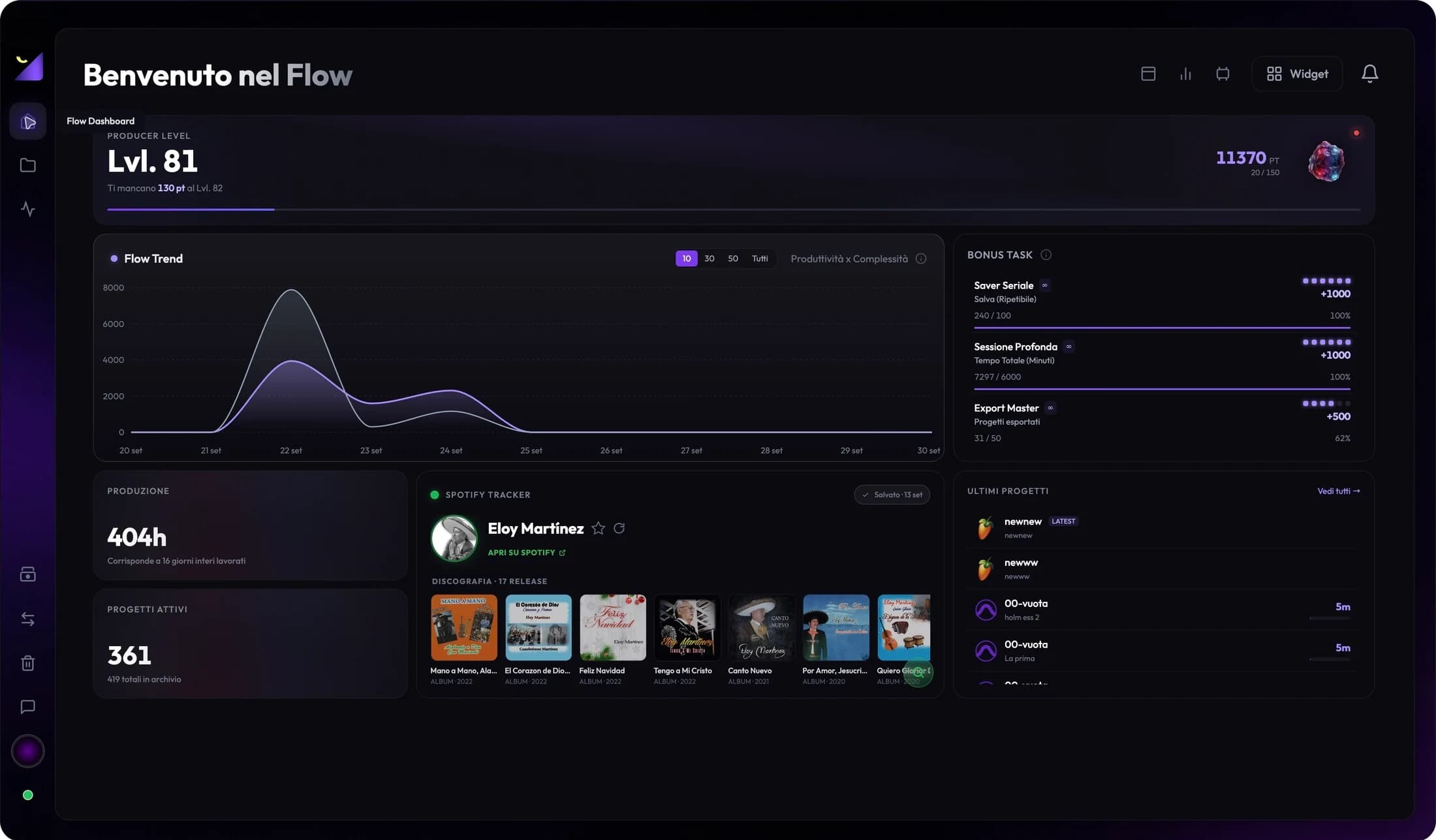
Progress combines indicators such as structure, recorded work, exports, levels and metadata. Its explanation shows contributions and next actions. Complexity uses structural factors such as tracks and automation. A minimal song can be finished with few tracks; a high score does not prove artistic or mixing quality.
When project analysis helps
Before resuming a beat, check plugins and the latest export. Before changing computers, prepare a dependency list. Before converting, identify parts needing an audio render. When a counter looks unexpected, reanalyze and compare in the DAW: analysis simplifies inspection, while the original session remains the reference for opening and playback.
Frequently asked questions
Can I analyze a session without a WAV?
Yes, for supported project metadata. LUFS, true peak, spectrum and stereo analysis require a readable audio file.
Why is the same field missing for another DAW?
Formats expose different structures and support varies. A missing value does not necessarily mean the project lacks that element.
Try it with your next project
Wolflow is a desktop app for Windows and macOS. Free conversions and backups require a connected account to verify the 7-day quota; Disk Management is a PRO feature. Check the plans for availability.