Dashboard and productivity
Flow Coach, Flow Points, levels and tasks: how to use them
Flow Coach uses session and export data to suggest concrete actions. Flow Points, tasks and levels describe workflow activity and milestones. They help organize work rather than provide an absolute measure of talent or musical quality.
Read Flow Coach and follow the next check
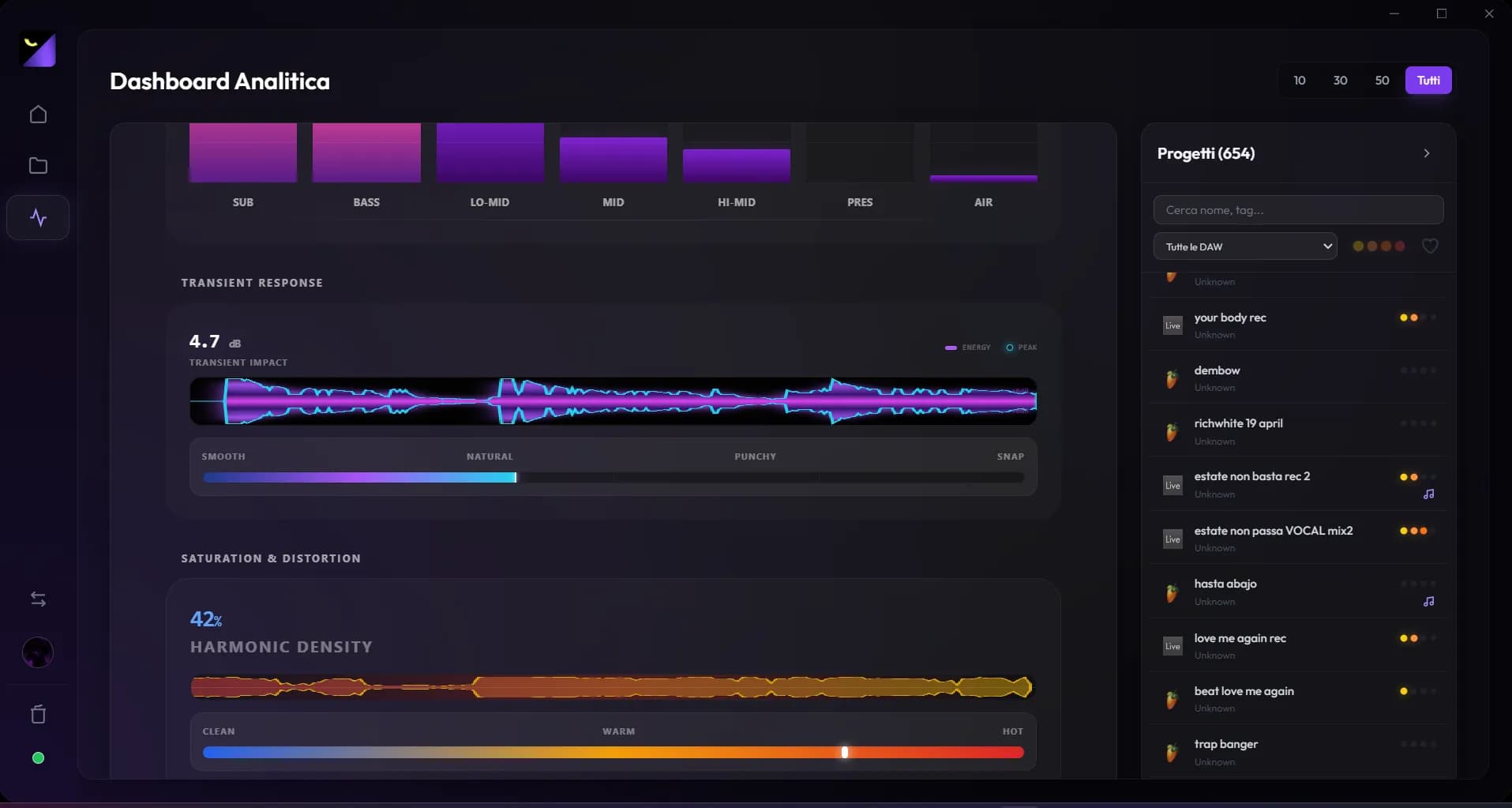
Coach checks available linked exports, loudness, peaks, dynamics and structure. It may prompt you to measure a bounce or open advanced analysis. It shows a quiet state when there are no relevant signals and flags missing data. Complete the action in the panel or DAW and check again, without treating every suggestion as mandatory.
Project score and manual status
Score explanations show contributions from structure, time, exports, measurements and project identity. Four-stage status remains a workflow classification. An approved master may have few tracks, while an elaborate project may remain unfinished; use the score to locate missing information rather than add material the music does not need.
Daily, Bonus and Essential Tasks
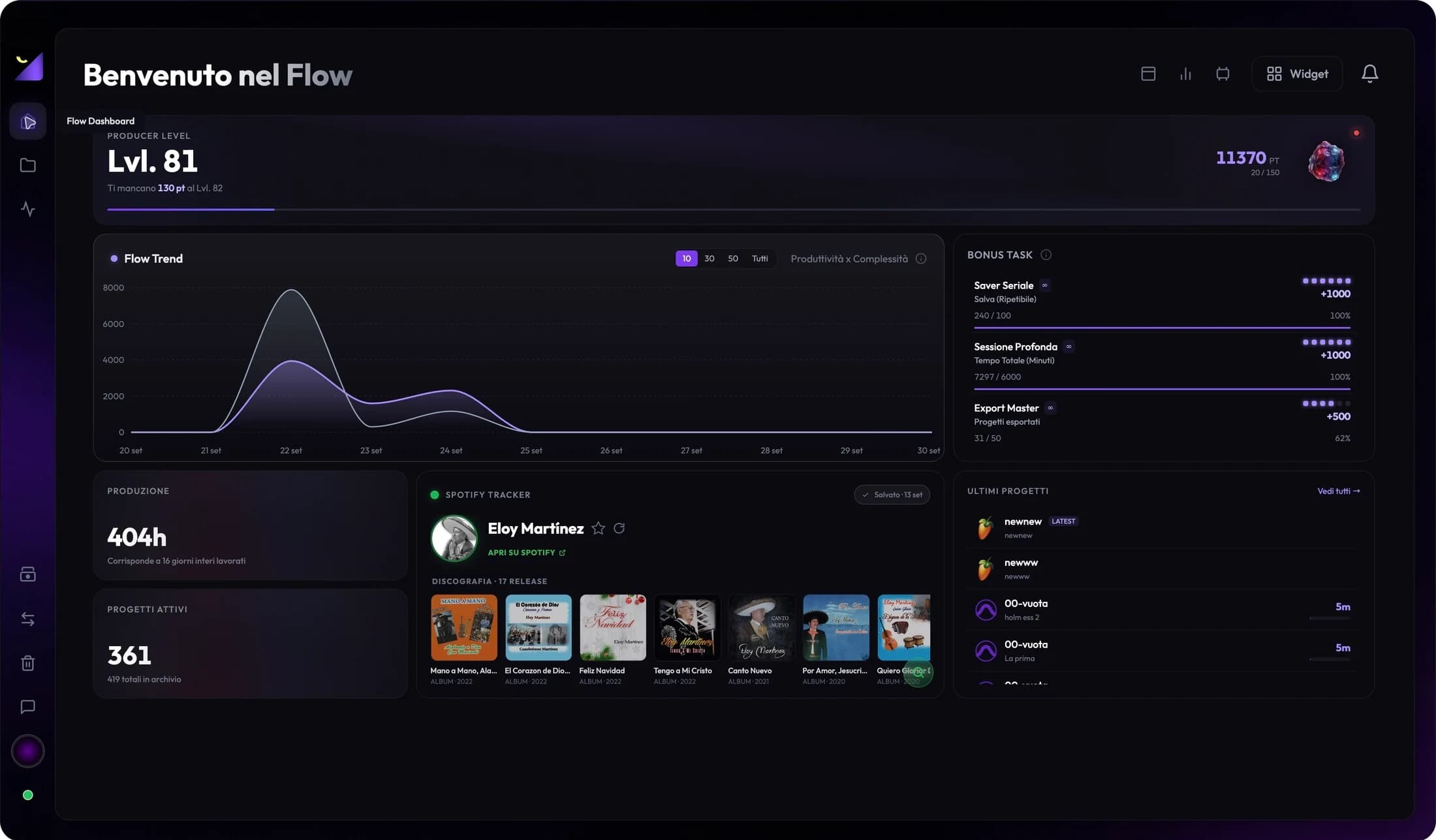
Daily tasks include saving, accumulating a session and producing an export; they renew according to the cycle shown in the app. Bonus tasks reward cumulative save, time and export milestones. Essential tasks summarize long-term indicators. Groups do not all reset the same way; open explanations to understand what counts.
Flow Points, level and icons
Points and progress feed Producer or Editor Level according to mode. Some profile icons or gems unlock at displayed levels. A high level reflects system-recorded events; archive imports, changed data or multiple modes can affect counts. Do not treat it as a professional ranking between people.
A useful routine without chasing numbers
- Open your priority project and check its latest linked demo.
- Read Coach and choose a relevant check, such as peaks, missing export or stereo review.
- Work in the DAW, save and export when a change can be verified.
- Update analysis and status in Wolflow; finish when delivery is correct, even if the score is not maximal.
Tasks or scores that do not update
Check the watched folder, Bridge, mode and save date. Link the correct export and measure it if Coach requests it. An unindexed file or undetected event can leave progress unchanged. For persistent issues, note the action, time and project and contact support; a full reset also removes progress useful for diagnosis.
Frequently asked questions
Must I reach 100% before publishing?
No. The score describes internal app criteria. Delivery depends on listening, recipient requirements and file verification.
Does Flow Coach master automatically?
No. It directs you toward checks and next actions. Corrections and rendering happen in the DAW.
Try it with your next project
Wolflow is a desktop app for Windows and macOS. Free conversions and backups require a connected account to verify the 7-day quota; Disk Management is a PRO feature. Check the plans for availability.