Audio and plugins
Which plugins did I use? Catalog, charts and compatibility
Wolflow reads recognizable plugins in supported projects and brings them into analysis and rankings. You can recall how a sound was made, identify dependencies before reopening sessions and assess a conversion destination with Plugin Preflight.
Find a project’s instruments and effects
Open Analysis for the project you want to resume and inspect its plugin list. If you changed the chain in the DAW, save and reanalyze before treating the list as current. In supported formats you can inspect some dependencies without opening every session. Reported name, version and format depend on readable source data.
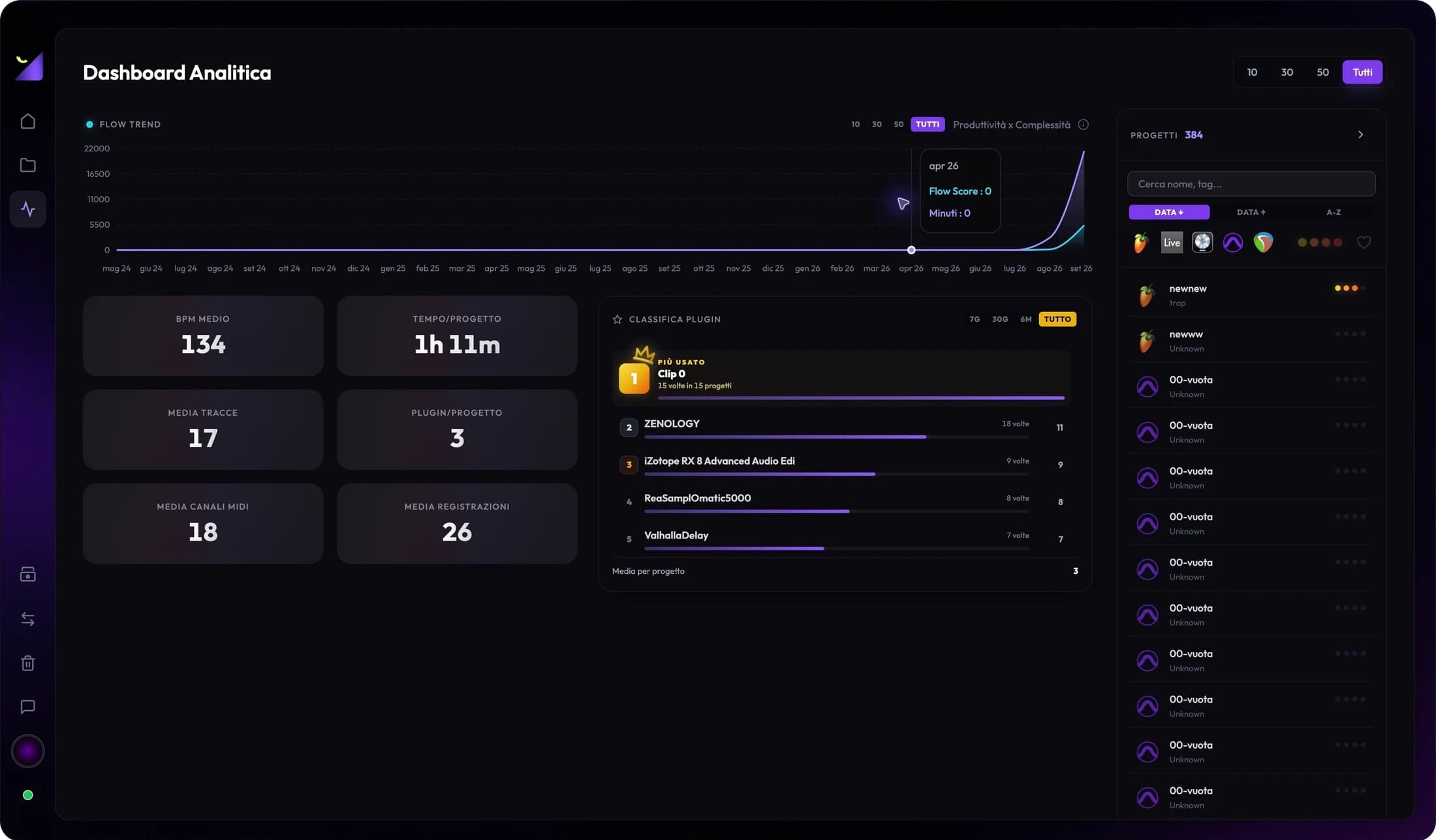
Plugin Leaderboard and Plugin Charts
Plugin Leaderboard summarizes usage in your catalog, helping identify tools that characterize indexed work. Plugin Charts is the website page for available rankings. High frequency describes presence in analyzed projects, rather than time spent in a plugin interface or plugin quality. The sample changes with scans, mode and included projects.
VST, VST3, AU, AAX and native devices
The same product can exist in different formats. Logic uses AU, Pro Tools uses AAX, and other DAWs may load VST or VST3. A matching name does not guarantee transferable state or presets across formats. Native devices, racks, samplers and shells may require specific handling. Verify the conversion path and licenses on the destination computer.
Use Plugin Preflight before conversion
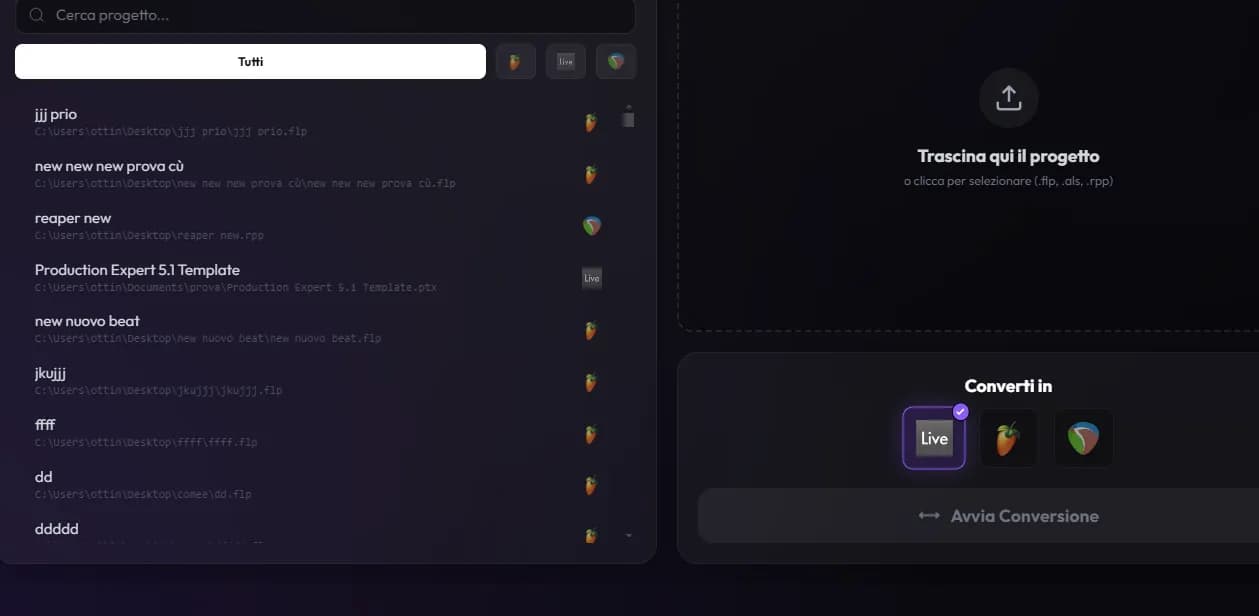
- Choose the source project and destination DAW in the Converter.
- Wait for plugin checks and read their indications: transfers, via WaveShell, not installed or no equivalent.
- For missing plugins, check installation, format and authorization; for absent equivalents, prepare a replacement or stem.
- After conversion, open the result in its DAW and compare sound and presets, even after a positive check.
Prepare a new computer or collaboration
Note essential plugins and keep a reference bounce. Install compatible versions and collect external content such as sampler libraries and presets. A project ZIP does not automatically include installers, licenses or every proprietary library. If the recipient does not own an instrument, deliver an audio version of its part to preserve the approved sound.
Frequently asked questions
Does Wolflow install missing plugins?
No. It helps identify them and check compatibility. Installation and licensing are handled through the plugin vendor.
Will a detected plugin definitely convert?
No. Name detection, local availability and state transfer are separate checks. Use Preflight and test the result in its DAW.
Try it with your next project
Wolflow is a desktop app for Windows and macOS. Free conversions and backups require a connected account to verify the 7-day quota; Disk Management is a PRO feature. Check the plans for availability.