Audio and plugins
Analyze LUFS and true peak and compare two masters
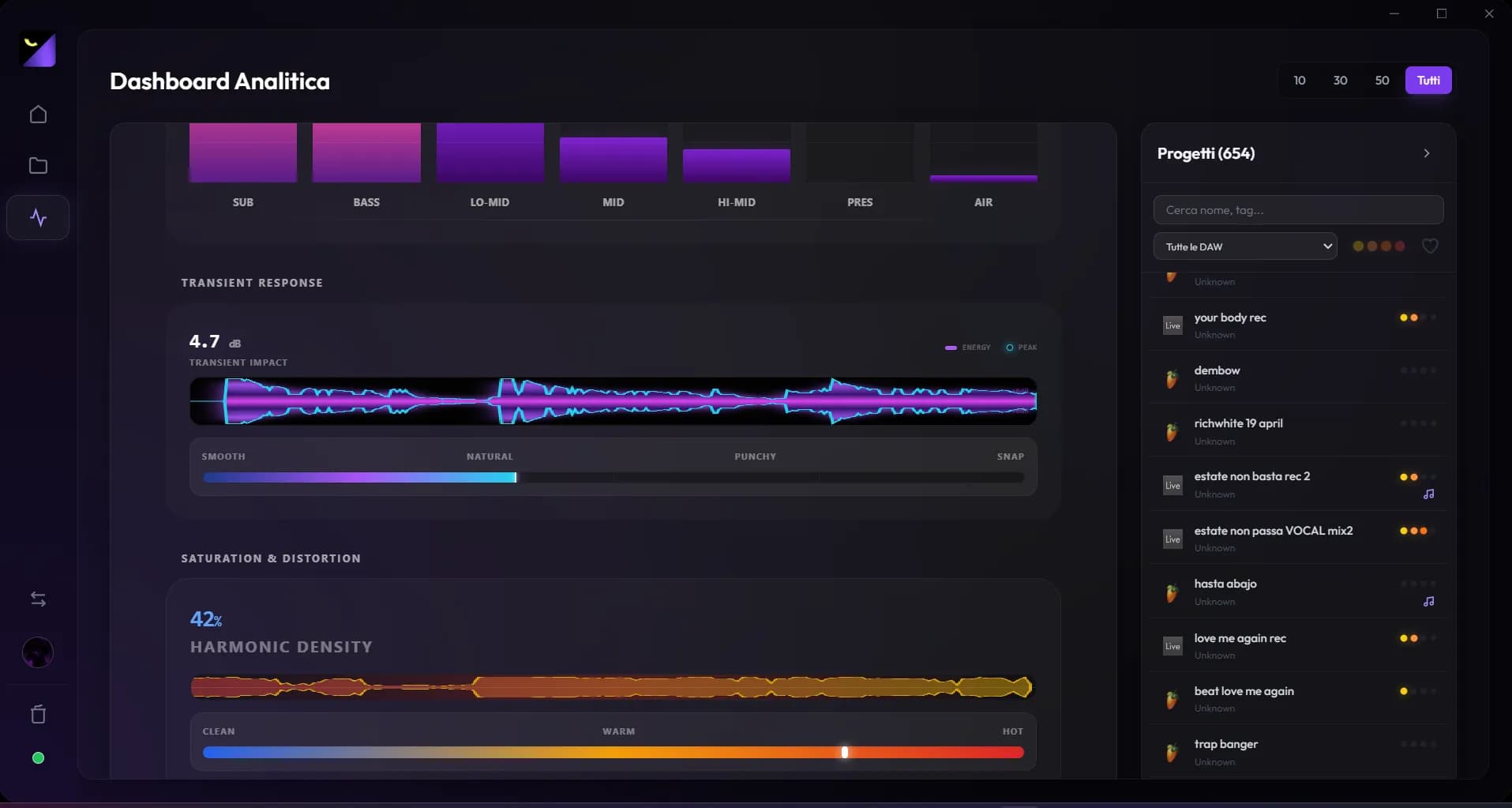
Wolflow measures linked exports’ LUFS, true peak and dynamics, and compares two already analyzed renders. Use these data to understand level and compression differences, then confirm your choice by listening at equivalent loudness.
Measure the correct bounce
- Link the complete mix or master render to the project and listen to verify the revision.
- Open Export Levels & Distribution and choose Analyze Levels, or Analyze All for files not yet measured.
- Wait for results; if the file appears silent or unreadable, test the render in an external player.
- Note differences, adjust the mix in your DAW, then export and measure a new revision.
Integrated and short-term LUFS
Integrated loudness describes the average loudness of the analyzed file. Maximum short-term loudness highlights a particularly energetic short window. A long intro or silent ending changes integrated loudness; compare complete renders containing the same material. A less negative number indicates greater loudness, but does not prove clarity or impact.
True peak, PLR and dynamics
True peak estimates peaks in the reconstructed signal and helps assess level margin. PLR relates peak and loudness, helping compare master compression. Low PLR can suggest limited dynamic movement; high PLR does not guarantee good balance. Read peaks, loudness and listening together, especially when limiting changes transients and low frequencies.
Interpret distribution references
Platform indicators help position a file relative to targets included in the app. Flow Coach’s window is an internal rule rather than a universal publishing requirement. Normalization and specifications can depend on the service, settings and delivery format. When publishing, also use current instructions from your recipient or distributor.
Compare two A/B exports
The panel appears with at least two measured exports. Choose different A and B files and compare loudness, peak and dynamics changes. Comparison considers equivalent loudness to reduce the louder file’s apparent advantage; its automatic suggestion derives from metrics. Listen to vocals, bass, transients and dense passages. It does not replace musical judgment or apply new mastering to the file.
When measurements cannot be compared
Do not compare a thirty-second demo with a complete master. Check that both files share the arrangement and export range. If you replace a file under the same name, analyze it again. Resolve decoding errors, disconnected drives or empty renders before interpreting values as mix problems.
Frequently asked questions
Does Wolflow modify a master to meet a target?
No. The panel measures and compares exports. Make corrections in your DAW and generate a new render to verify.
Does the A/B suggestion choose the better song?
It technically compares two renders. It does not judge artistic intent, composition or audience taste.
Try it with your next project
Wolflow is a desktop app for Windows and macOS. Free conversions and backups require a connected account to verify the 7-day quota; Disk Management is a PRO feature. Check the plans for availability.