Audio and plugins
Link exports and bounces to music projects
Linking an export associates an audio file with its Wolflow project: recognize work by listening, keep demos and revisions, and measure bounces. Linking a WAV or MP3 does not turn audio into an editable session.
Prepare recognizable demos, mixes and masters
Export a file from your DAW that plays correctly in an audio player. Use names distinguishing revision and purpose, such as Song_mix_03.wav and Song_master_02.wav. Keep bounces in a stable path: the link uses a disk file. An export replaced under the same name may no longer match an earlier measurement.
How to link a file to a project
- In Projects, select the correct session, checking path and version.
- Use Link Audio or Link Export in the available controls; you can also drag audio onto the project card.
- Select the file and confirm it appears among linked exports.
- Start the player and listen to a recognizable passage to avoid linking another revision’s bounce.
Listen from the library
The built-in player lets you review a demo without launching its DAW. This helps with beat collections or comparing proposals before reopening a project. If playback fails, check the drive is connected, the path exists and the file is readable; a visible link does not prove media remains accessible.
Keep several exports for the same work
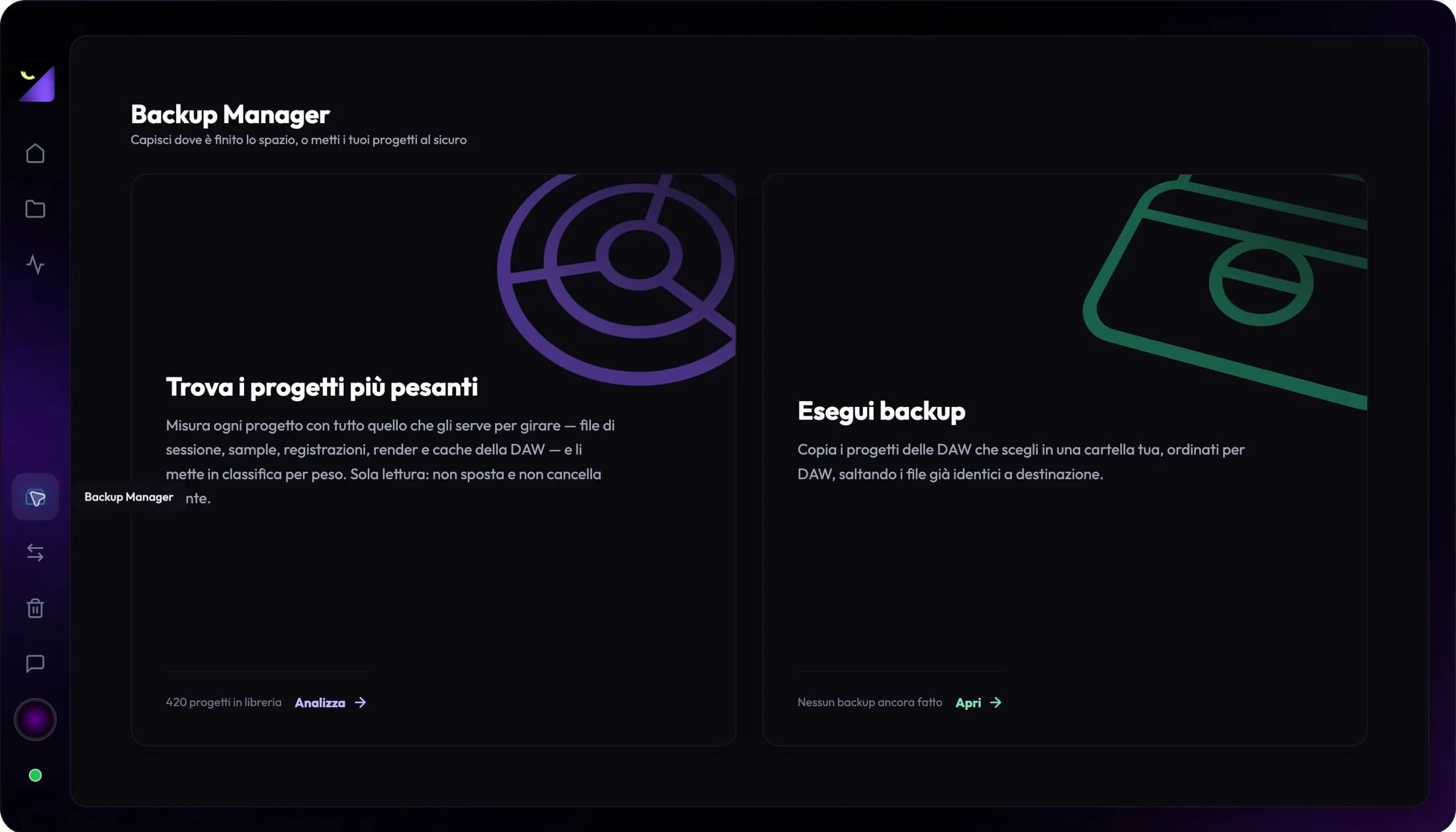
Link demos, mixes and masters as distinct revisions when comparing them. Removing a project link and deleting a disk file are different operations. Recheck paths after moving a folder: an audio link is not a backup copy. Include both the project and bounces in your archive plan.
From playback to technical checks
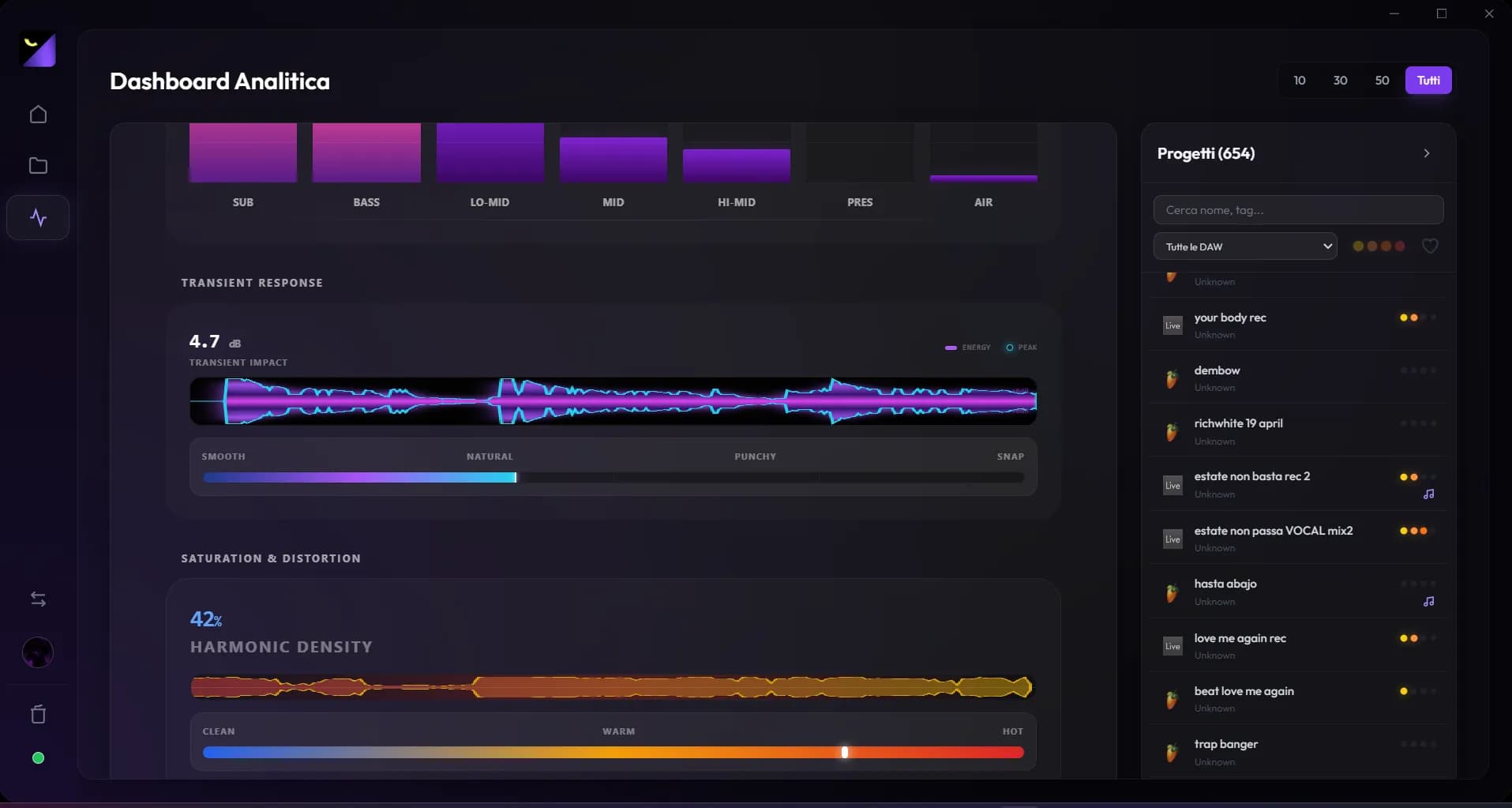
In Export Levels & Distribution, use Analyze Levels for one file or Analyze All for pending exports. With at least two measured exports, A/B comparison appears. Advanced analysis also works on audio; it cannot reconstruct instruments and effects from a waveform alone. Reanalyze when you change a render to keep playback and data consistent.
Frequently asked questions
Does linking an export create a backup?
No. It associates a path with the project. Prepare a separate copy to protect it from drive failure, moves or deletion.
Can I recover MIDI and plugins from a bounce?
Not through this link. Measurements describe audio; editable data comes from the session file and supported conversion.
Try it with your next project
Wolflow is a desktop app for Windows and macOS. Free conversions and backups require a connected account to verify the 7-day quota; Disk Management is a PRO feature. Check the plans for availability.