Projects and collaboration
Archive projects to an external drive without losing media
To archive a session to an external drive, collect media, make a copy and test opening it from the new destination. Wolflow helps select projects, create backups and update the catalog; moving only the session file can leave missing assets.
Choose what to archive
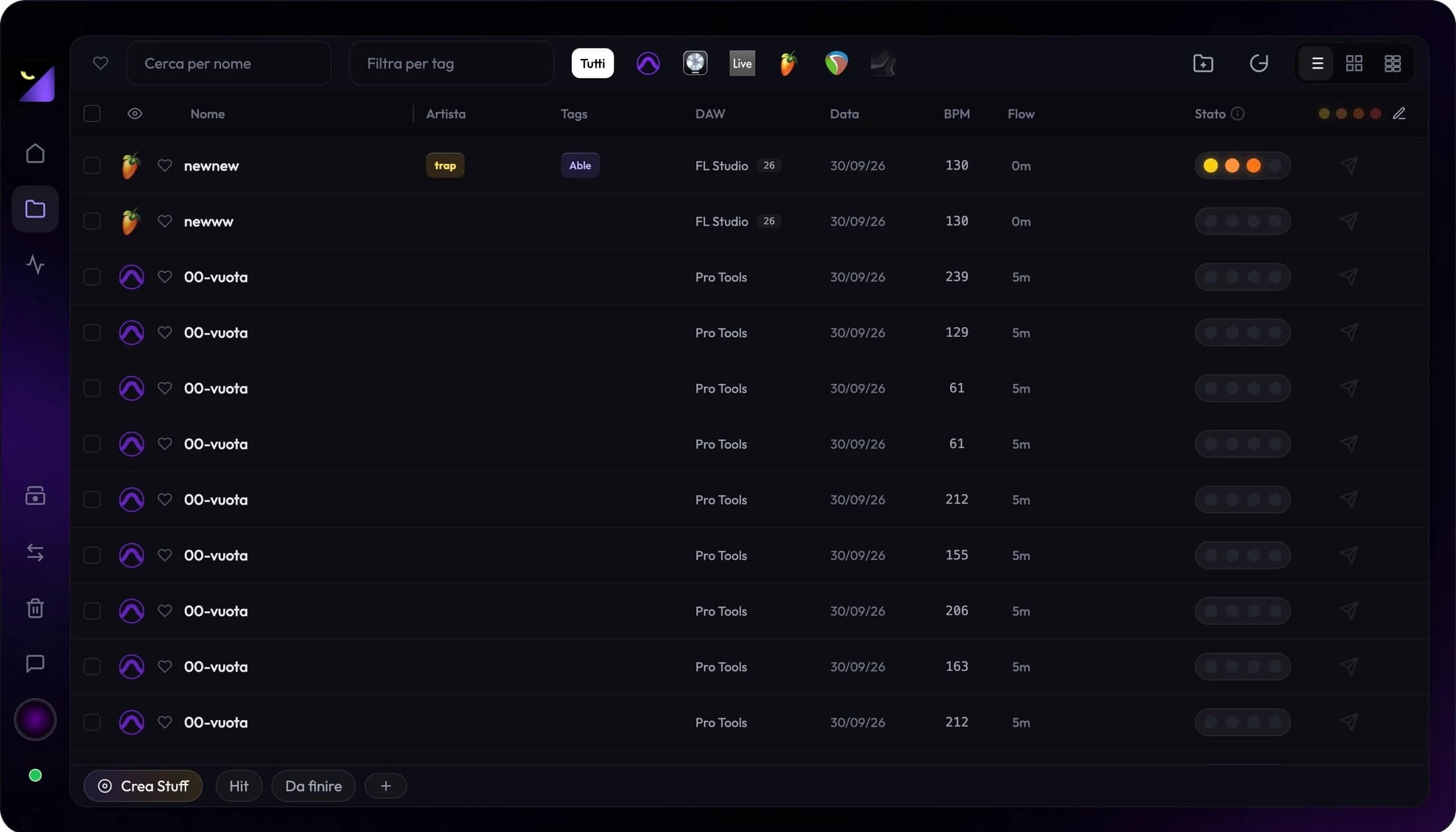
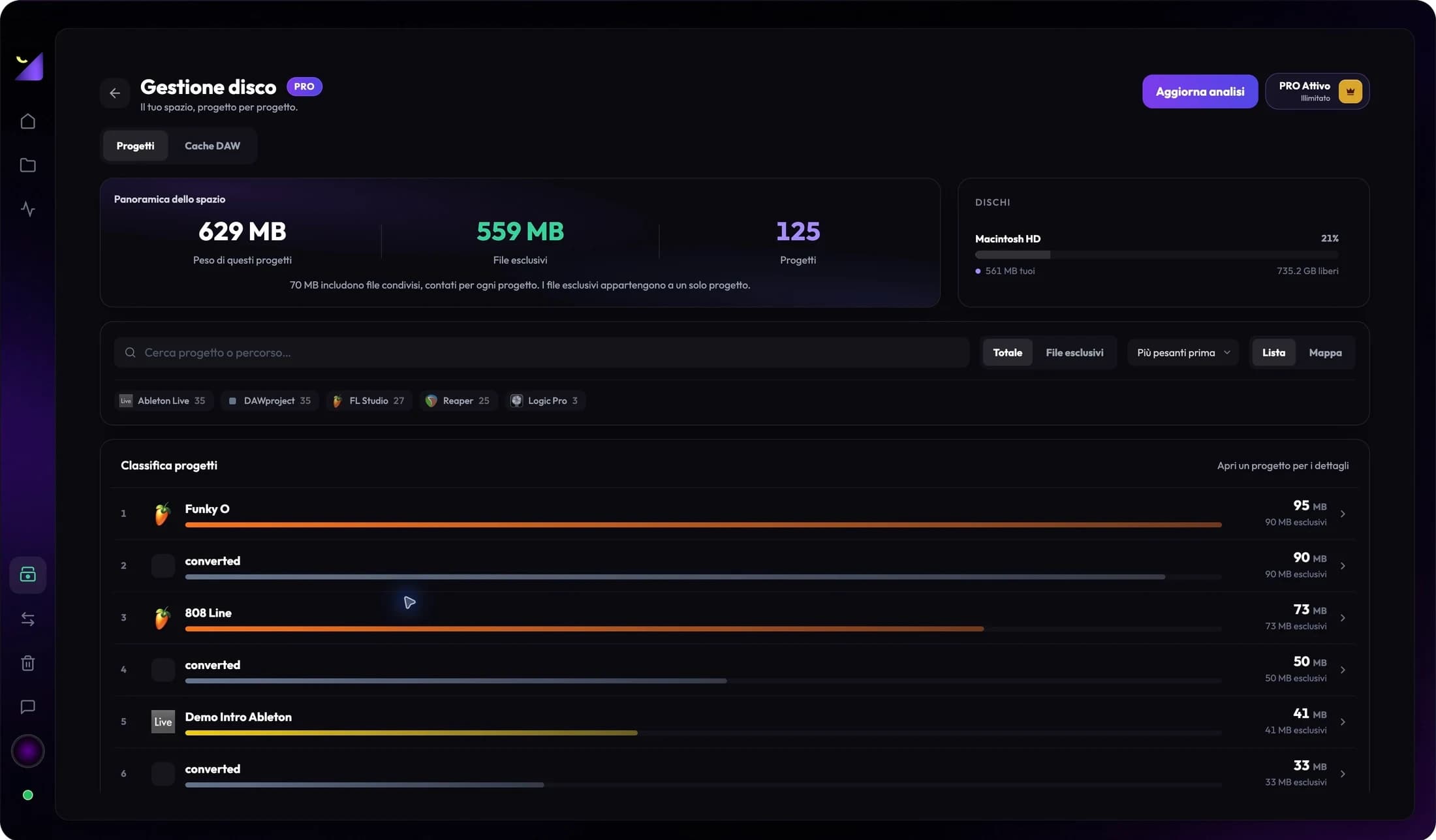
Start with completed work and use tags and status to distinguish active jobs. With PRO Disk Management, compare size and shared files. The largest project is not necessarily first to move; consider usage frequency, dependencies and the drive you need to relieve. A shared sample may serve projects remaining on your SSD.
Collect media and dependencies
In the DAW or editor, prepare a self-contained copy using available collection tools. Check recordings, samples, footage, linked images and external libraries. Plugins, fonts and licenses do not become portable merely because you copied a project. Keep an approved export and a note identifying software needed to reopen the work.
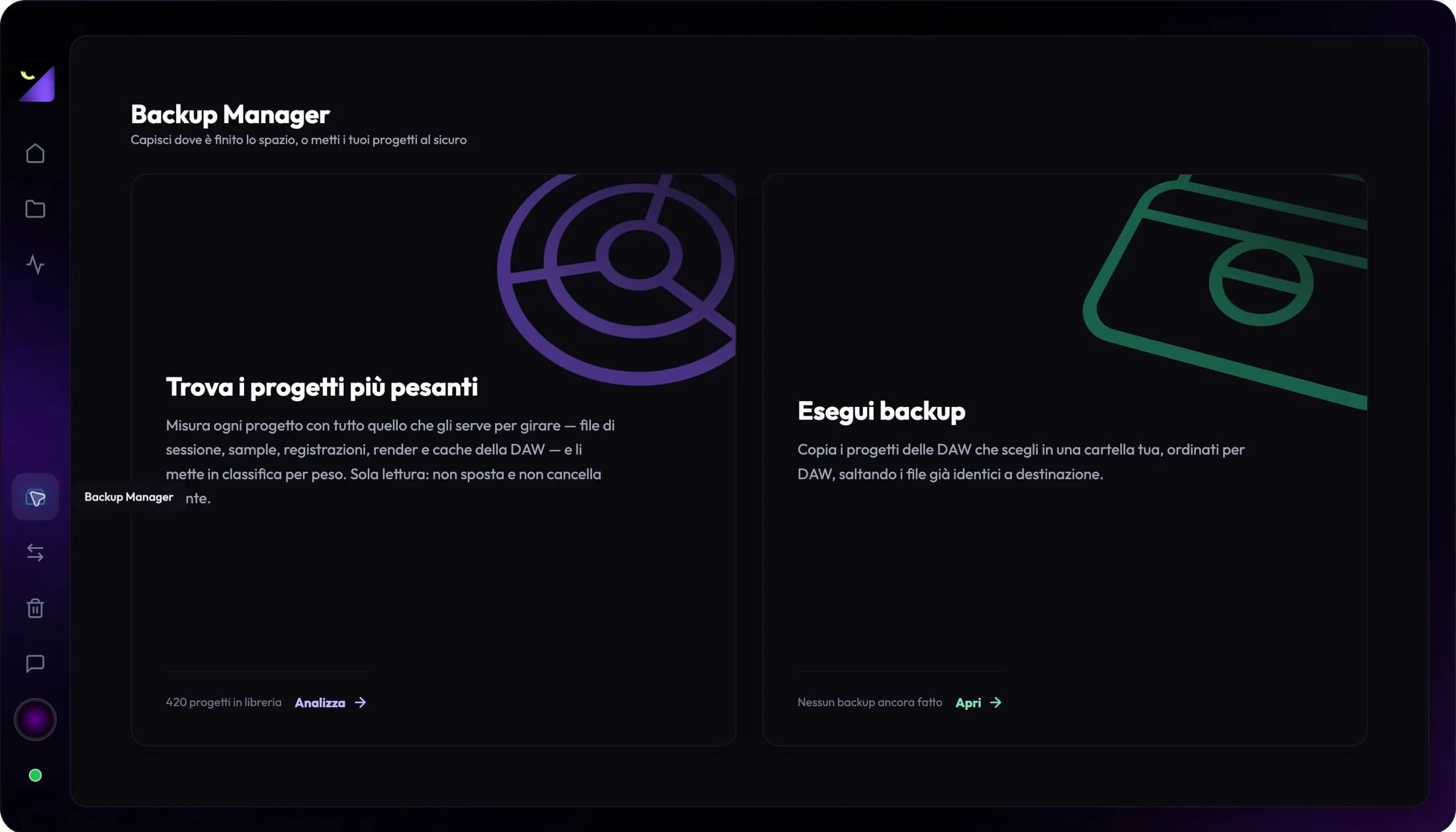
Prepare a copy with Backup Manager
- Connect the destination and check available space and write access.
- In Backup Manager, choose the destination and applications to include.
- Enable Include Project Files to copy recognized media folders alongside sessions too.
- Wait for the summary and check errors; separately verify every asset linked outside collected folders.
Test restoration from the new destination
Open the copy directly from the archive drive and verify the paths the DAW reads. If it still uses original SSD media, the test does not prove the archive is complete. Check the beginning, ending and passages using each important source. For video, also check images, fonts and sequences; for audio, instruments and takes.
Update Wolflow after moving work
Add the archive folder to watched paths and scan with the drive connected. Find the project and check its new path. Relink exports pointing to the previous location. If a name appears twice, distinguish source and copy by path; names alone are not sufficient identifiers.
External drive, NAS and synced folder
Wolflow can work with paths readable by your computer. For a NAS, mount the share and verify connectivity and permissions; performance also depends on the network. In a cloud folder, keep material locally available for analysis. Wolflow statistics sync is not a cloud session archive and does not replace a media copy.
Frequently asked questions
Is copying FLP, ALS, AEP or PRPROJ enough?
Often not. These projects may reference external files. Check media and test restoration before removing originals.
Does Wolflow automatically move my library to a NAS?
No. Choose an accessible destination and prepare a copy. Cataloging and storage analysis do not autonomously move originals.
Try it with your next project
Wolflow is a desktop app for Windows and macOS. Free conversions and backups require a connected account to verify the 7-day quota; Disk Management is a PRO feature. Check the plans for availability.