Getting started
Find DAW and video projects: scans and folders
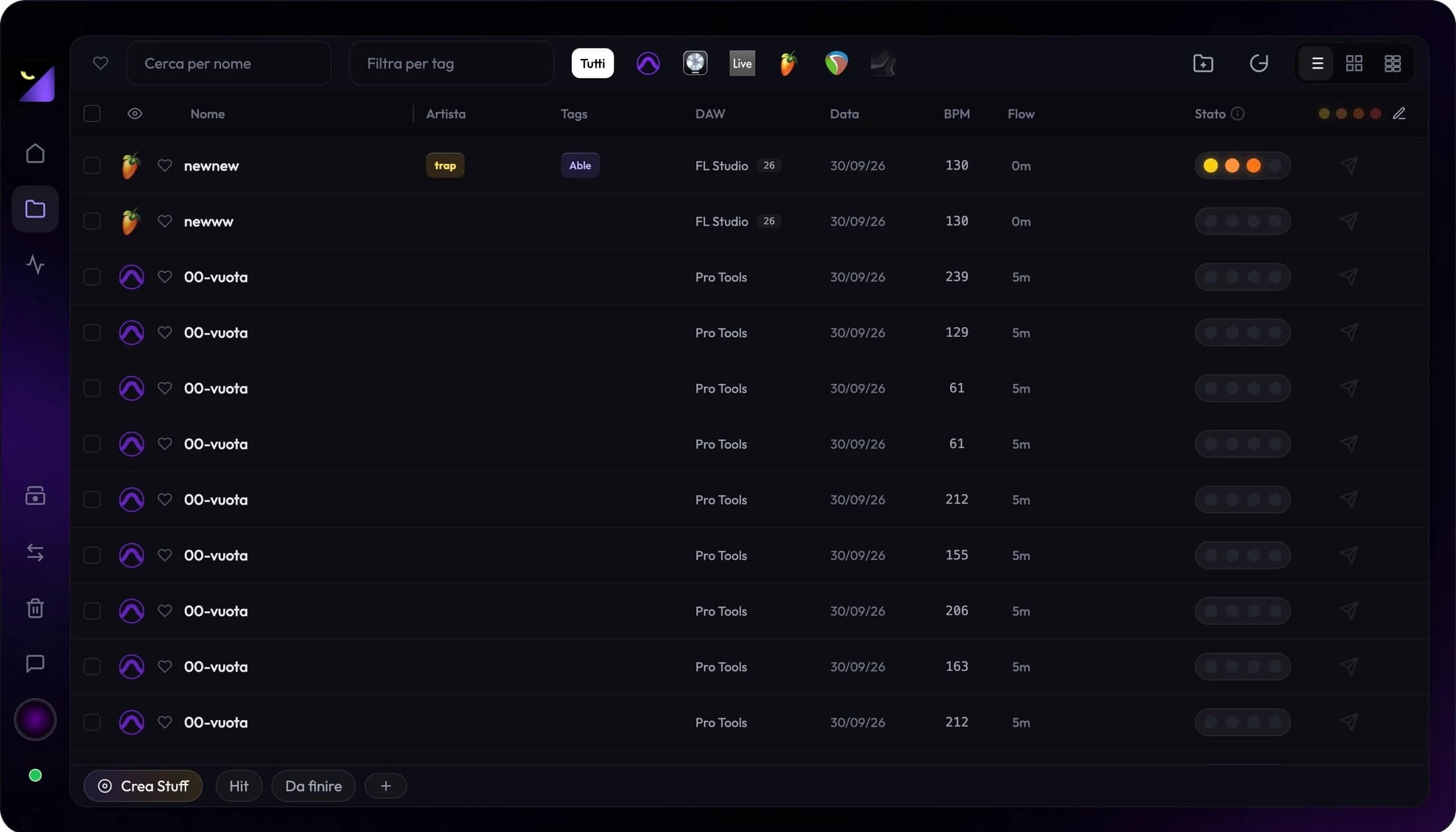
Wolflow finds projects by scanning accessible folders and monitoring saves. Add your working paths, select Audio or Video and run a full scan when importing an archive or connecting a new drive.
What scanning looks for
The app recognizes project formats rather than every document on your computer. Audio includes sessions such as FLP, ALS, RPP, PTX and Logic packages; video includes PRPROJ, AEP, DRP and supported Final Cut exports. CapCut can keep projects in folder structures. Catalog recognition does not imply conversion support or complete metadata extraction.
Add the right folders
- Find the folder where your DAW saves projects, distinguishing it from your general sample library.
- In Projects, choose Add Folder and select the local path or mounted volume.
- Start Full Scan; use Stop Scan if you need to interrupt a long search.
- Clear search and filters, find a known session and verify its displayed path.
Scanning, watching and reanalysis differ
Scanning finds existing files. Watching observes changes in folders as you work. Full Re-analysis updates one project when plugins, BPM or structure appear outdated. Start with a scan for an archive copied from another drive; try reanalysis for a discovered session with incomplete metadata.
External drives, NAS and cloud folders
The computer must be able to read the path. Connect and mount an SSD or network share before scanning. In a synced folder, make files locally available: a cloud placeholder is not necessarily a readable project. Speed depends on the drive, network and file count; do not infer absence from a scan still in progress.
Why some files do not appear
Wolflow filters system areas, application and plugin packages, and some factory demo or preset material. The library also avoids treating every autosave as a main project. Files need valid content rather than just a recognizable extension. In Free, the visible library is limited to the recent projects included in the plan.
Missing project: the order of checks
Confirm the project is saved on disk and opens in its original software. Check Audio/Video mode, filters, Trash and folder permissions. Add the specific path, check Bridge status and scan again. If it remains absent, report format, application version and error message to support; renaming a file does not add parser support.
Frequently asked questions
Must I move everything into one folder?
No. You can index multiple accessible paths. A common catalog does not move original files or automatically collect external media.
Why do I see fewer projects than are on disk?
Mode, filters, plan limits, exclusions, unsupported files or disconnected drives can affect the list. Check these before assuming scanning failed.
Try it with your next project
Wolflow is a desktop app for Windows and macOS. Free conversions and backups require a connected account to verify the 7-day quota; Disk Management is a PRO feature. Check the plans for availability.