Dashboard and productivity
Customize the Wolflow dashboard and read its widgets
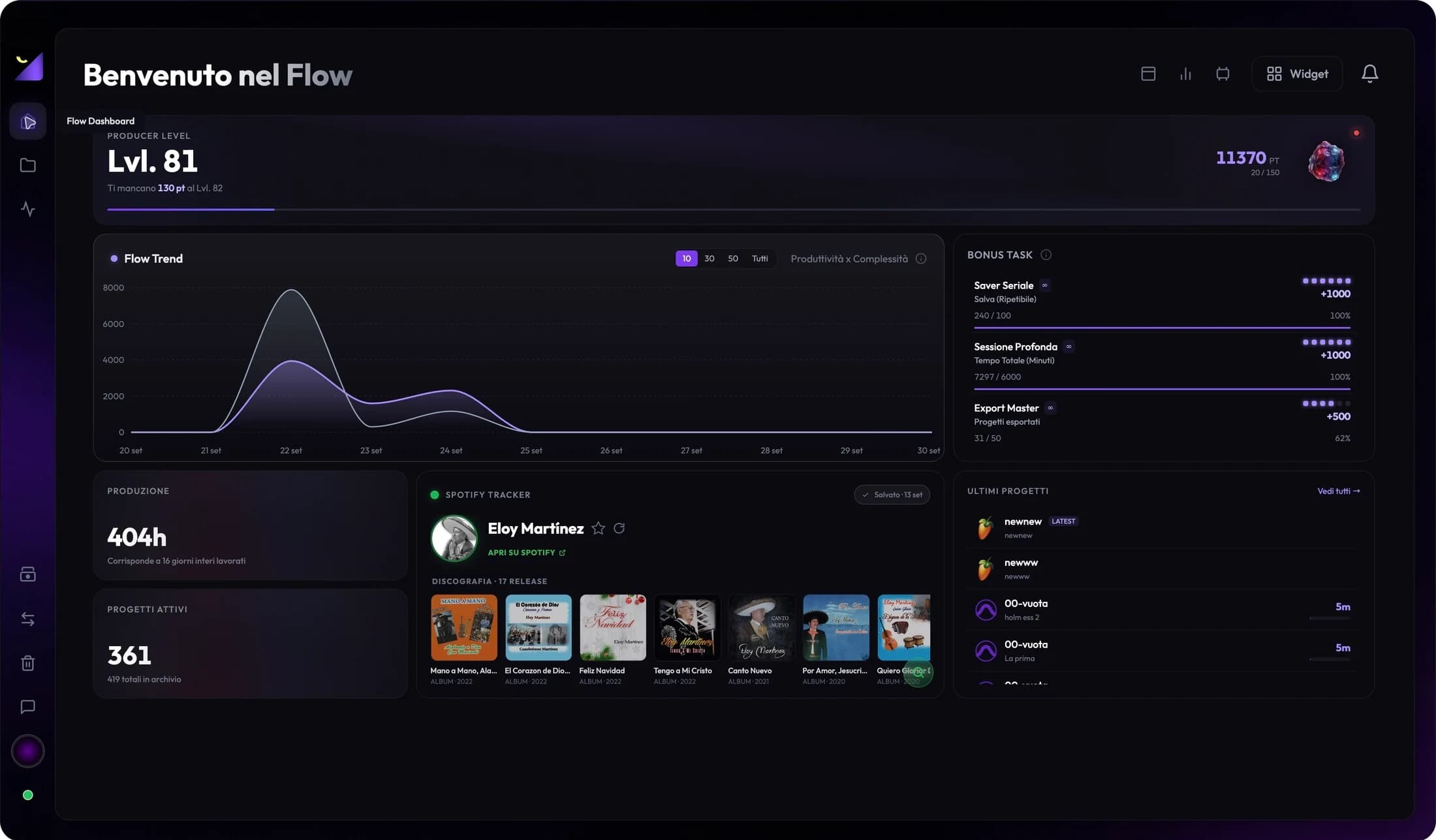
Wolflow’s dashboard consists of widgets you can select and arrange through layouts and presets. Choose a Home suited to your work: recent projects to resume sessions, analytical data to compare production or tasks to follow consistency.
Choose layouts and set Home
Presets offer combinations such as Useful, Dynamic, Analytical, Minimal and Scorex, depending on version availability. Open Presets to change composition and use Set as Home to return to your chosen view. Audio and Video modes change data context; an Audio total does not necessarily represent the whole video archive.
Add, move and resize widgets
- Open Widgets and choose from Statistics, Level, Charts, Tasks, Projects and Integrations.
- Add a useful panel and use layout controls for position and size where allowed.
- Keep a few widgets relevant to today’s activity prominent rather than looking at every metric at once.
- Save or select Home and check the arrangement remains usable in a smaller window.
Production, sessions, projects and exports
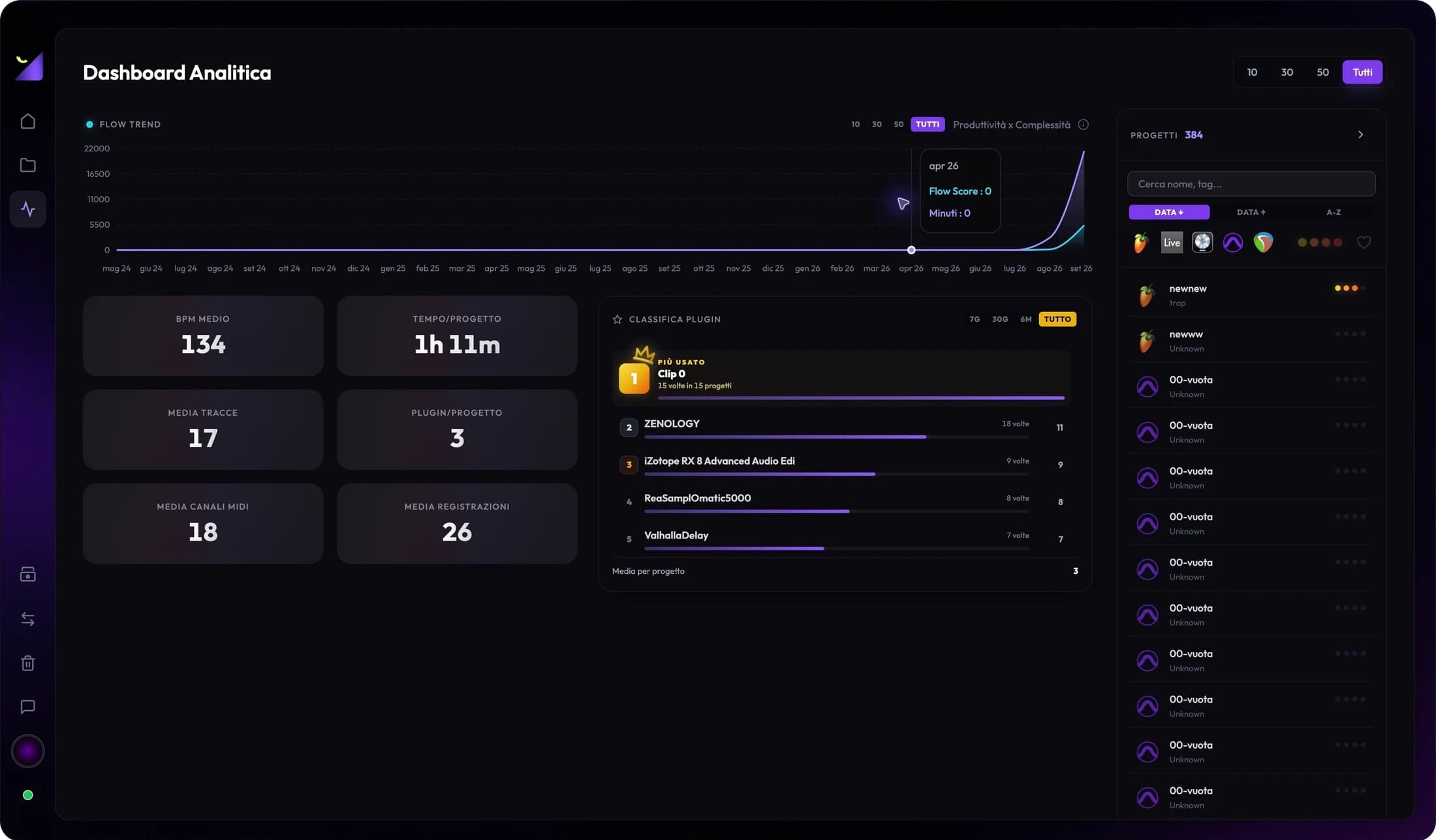
Production summarizes detected time; Average Session relates work to projects; Active Projects and Exports summarize the archive according to widget rules. Open cards for details where available. A linked export indicates a workflow event rather than proof a song was published or approved by a client.
Trends, DAW usage and recent projects
Production Trend, Flow Trend and Project Flow help inspect work distribution and development; DAW Usage shows detected application activity. Recent Projects provides quick session access. Charts change with period, mode and indexed data; check these criteria match before comparing two screens.
Rankings, tasks and integrations
Producer or Editor Level, Plugin Leaderboard and Daily, Bonus and Essential Tasks show progress and milestones. Spotify and YouTube add online information about the selected artist or channel, separate from local sessions. If a widget requires an account, connection or PRO, satisfy that requirement; moving it in a layout does not unlock access.
When a card or chart is empty
First check mode and whether projects are indexed. Verify Bridge, period and format metadata availability. An integration widget needs a selection and online data; an export card needs detected or linked exports. Avoid a full reset for one empty widget; identify the missing data and refresh the relevant workflow.
Frequently asked questions
Does changing a layout modify projects?
No. It changes dashboard information arrangement. Use project controls for tags, status and links.
Why do Dashboard and Wrapped show different numbers?
Check mode, period, filters and sync date. The online recap may use an earlier snapshot or a different period.
Try it with your next project
Wolflow is a desktop app for Windows and macOS. Free conversions and backups require a connected account to verify the 7-day quota; Disk Management is a PRO feature. Check the plans for availability.