Projects and collaboration
How to organize music and video projects
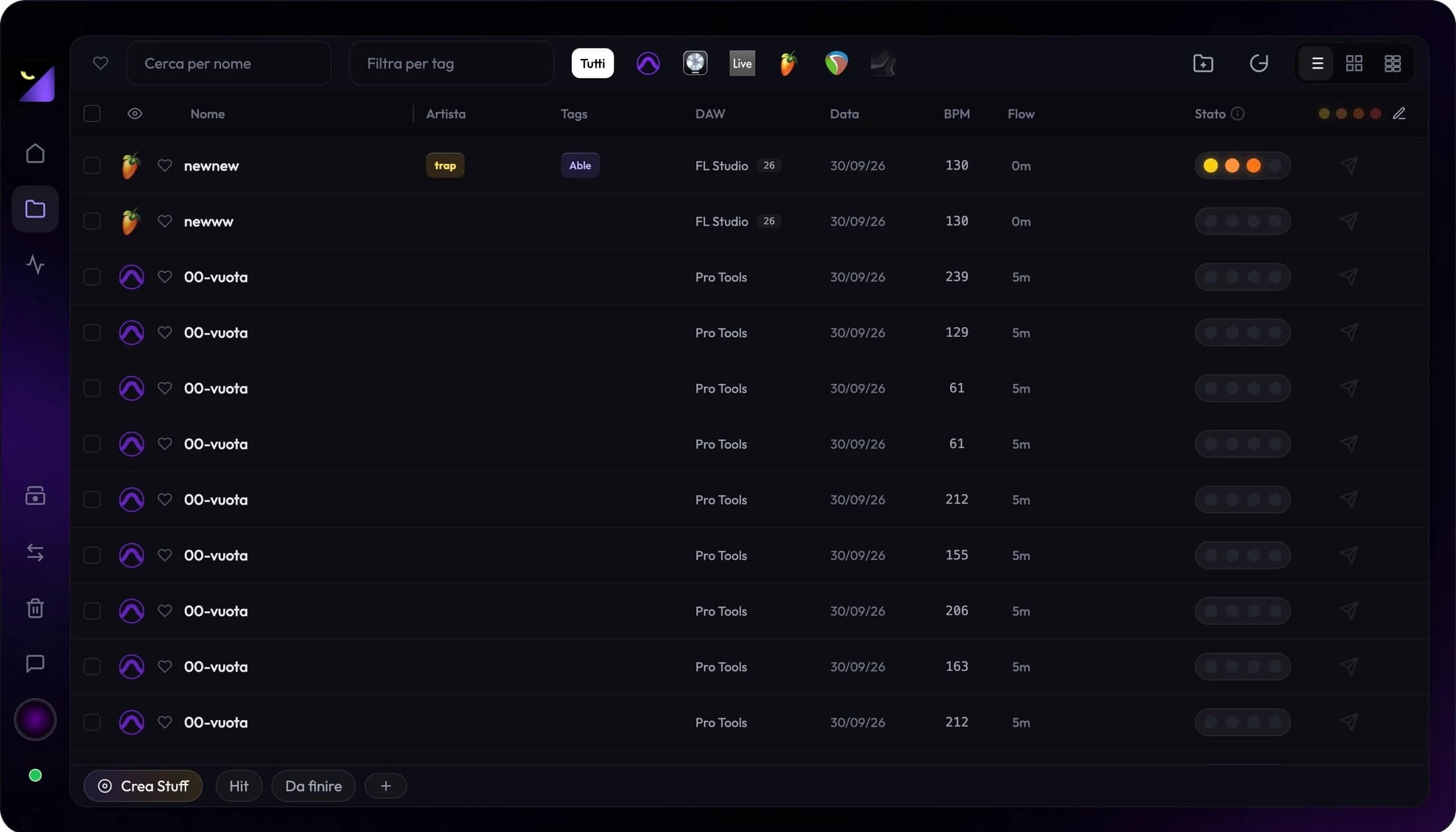
To organize music and video projects, collect work in a searchable library and assign consistent tags and statuses. Wolflow scans supported application files and brings them together in Audio Mode and Video Mode, helping you find a session or edit without opening every project in its editor.
Bring together projects from the applications you use
If you alternate between FL Studio, Ableton, Logic, REAPER and video applications, a folder per application is not enough to find an idea by client or status. Wolflow analyzes supported formats and shows a library with names, applications and available project information.
Use a few useful tags and a clear status
Choose tags that answer real questions: who is this for, what is missing, when is it due? For music, use Idea, Rec, Mix and Master; for video, Edit, Color, FX and Delivered. These are example conventions to adapt to your studio.
- A client or artist tag to find collaborations.
- A status to separate ongoing and delivered work.
- A naming and revision convention, such as Client_Song_Mix03.
Review metadata without opening every session
Audio Mode shows information the format allows it to read, such as BPM, tracks, samples and plugins. Video Mode shows available edit information, such as duration, clips and video properties. Available fields depend on the application and analyzed file.
Connect your library to storage management
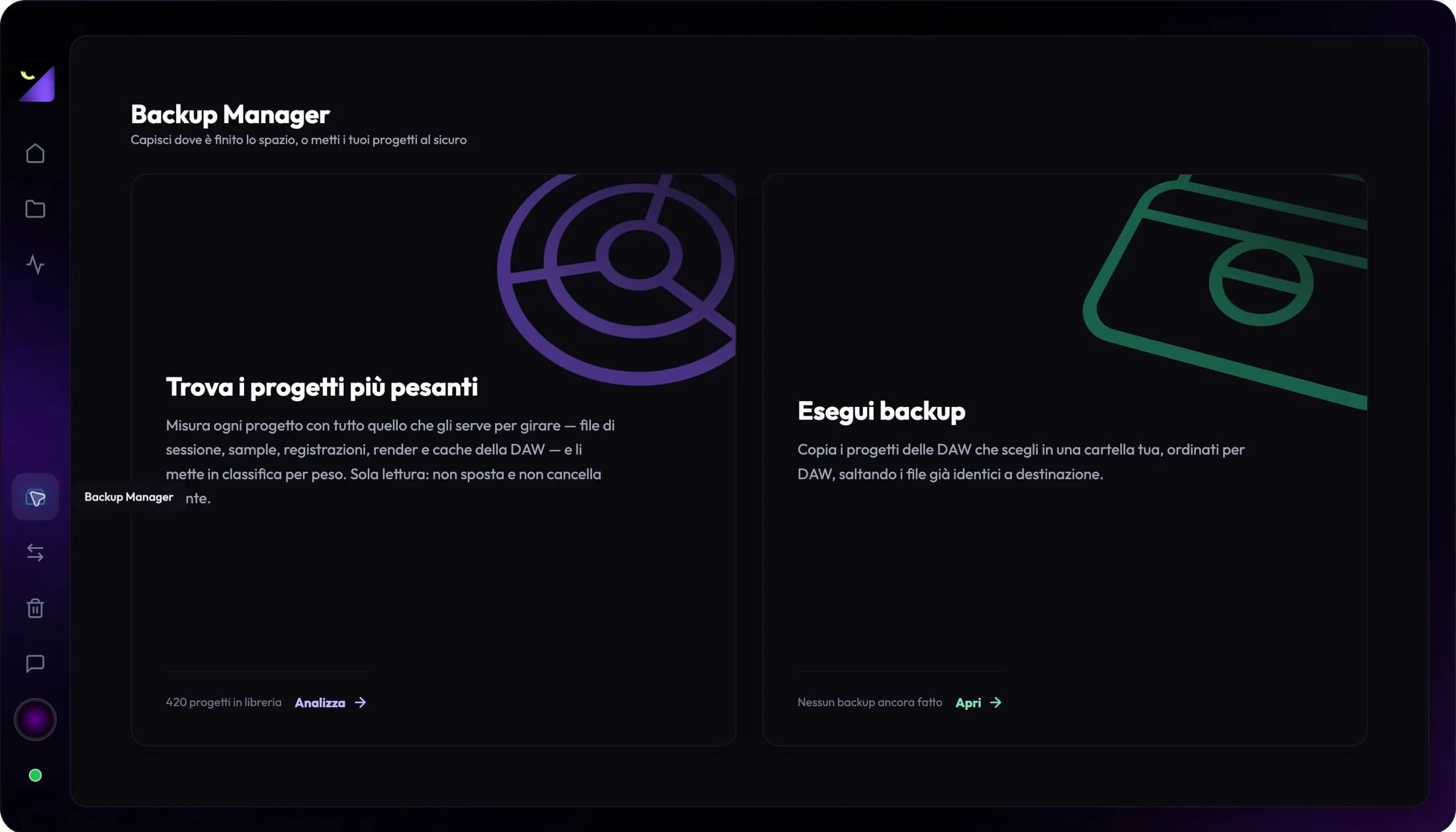
When a job is complete, use PRO Disk Management to review its size and shared media. The library helps you choose what to archive; a verified backup retains what is needed to reopen the project.
Frequently asked questions
Does Wolflow replace my DAW or video editor?
No. Wolflow organizes and analyzes projects; production, editing and final review continue in the source or destination application.
Does scanning modify original files?
Library analysis is read-only. Conversion generates a separate result; backup copies files to your chosen destination.
Try it with your next project
Wolflow is a desktop app for Windows and macOS. Free conversions and backups require a connected account to verify the 7-day quota; Disk Management is a PRO feature. Check the plans for availability.