Account and support
Wolflow account, Free and PRO: limits, sync and privacy
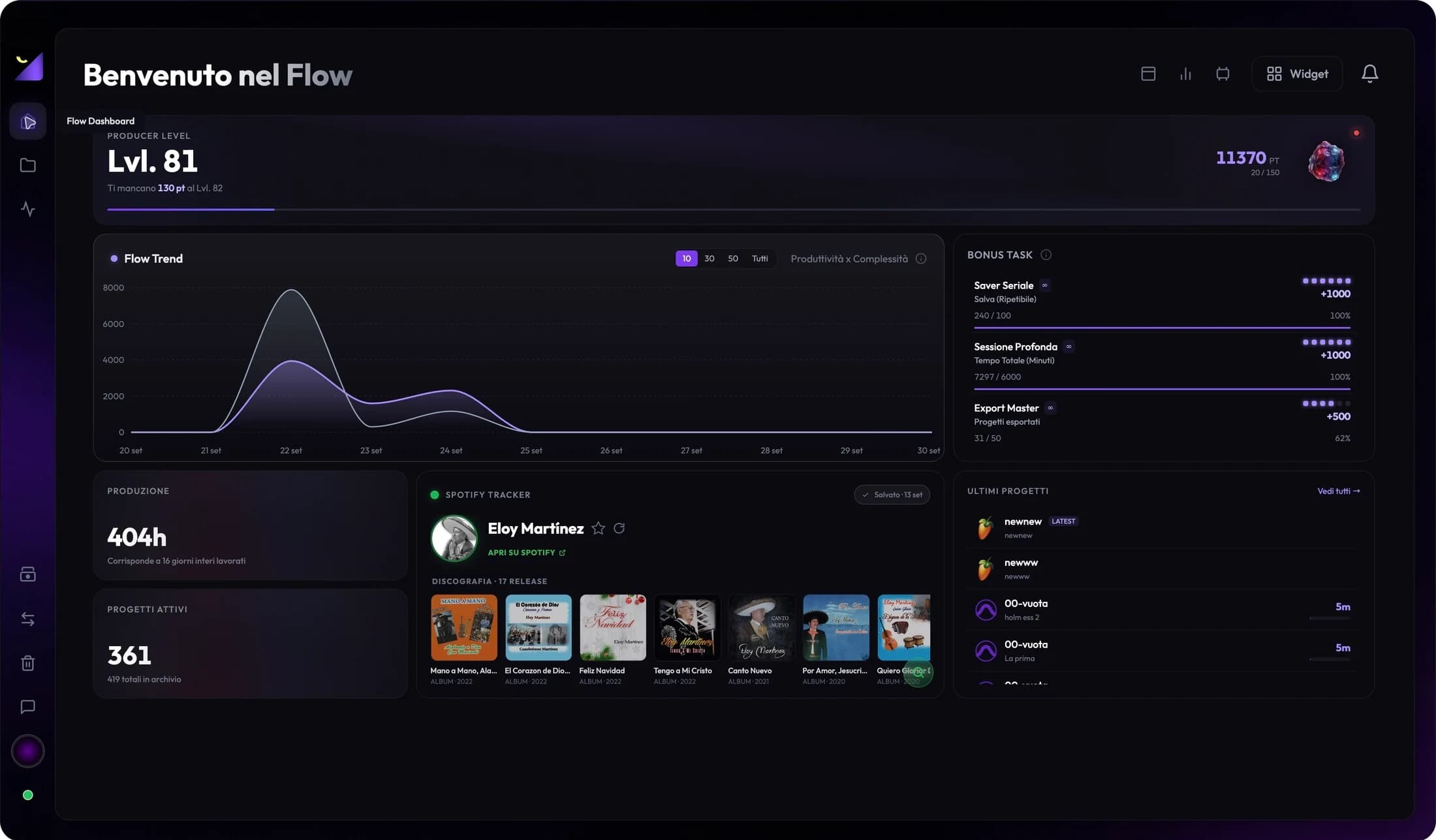
Your Wolflow account links app and website for quotas, licensing, statistics and online features. The local profile organizes app identity; connecting an account does not automatically create a cloud project backup.
Connect app and website
- Open your app profile and press Connect Now or the available account control.
- Finish signing in through the browser and return to Wolflow.
- Check the displayed account, plan and any device-limit message.
- Use Sync Now to refresh supported statistics, and check quota and license in feature panels.
Free: recent library and separate quotas
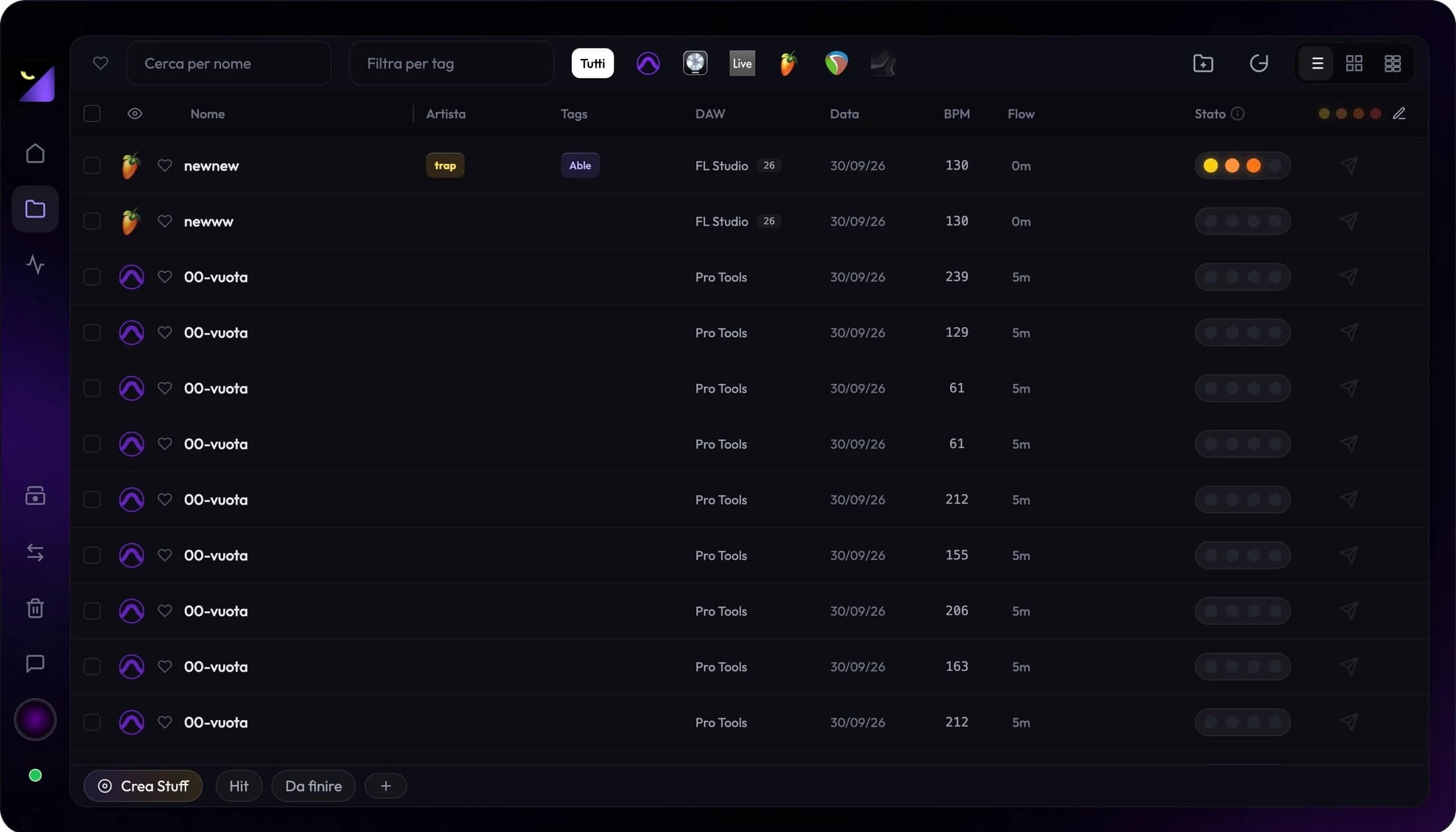
Free shows up to 250 recent projects according to app access rules. Conversion, transfer and backup each have one use every seven days: separate rolling quotas from usage, rather than a general Monday reset. Your account must be connected and online to verify them. Read the availability time in the feature before starting.
PRO: availability and license
PRO removes quotas for included features and enables tools such as storage analysis, advanced analyses and Earnings according to the plan. Access is confirmed by the app’s verified license; do not infer account connection or an active plan from profile names alone. Beta promotions and conditions can change; check Pricing and account panels for current pricing, availability and limits.
Synced statistics and local files
Synchronization sends data used by account features and feeds online summaries. Sessions, recordings and footage remain files needing dedicated copying or transfer tools. Check Wrapped consent for project names; aggregates and titles are different information. Successful synchronization does not prove media is protected against drive failure.
Multiple computers and stale data
On another computer, connect the same account and check license and device messages. Each machine must read its own files; connecting the account does not mount the first computer’s drive or install plugins. If the displayed plan is stale, check network and account and refresh status. For device limits, use web profile controls or contact support.
Disconnecting, privacy and full reset
Disconnect unlinks the computer from the account and stops associated online updates; it does not mean deleting all disk sessions. Full Data Reset clears app-managed profile, catalog and progress and requires specific confirmations. Preserve what you want to keep before using it. Read the Privacy Policy for data handling, separate from operational profile options.
Frequently asked questions
Do the three Free quotas share one use?
No. Conversion, transfer and backup have separate quotas. Each feature panel shows when it becomes available again.
Does data sync make plugins portable?
No. Plugins, licenses and libraries must be present and compatible on the computer opening the session.
Try it with your next project
Wolflow is a desktop app for Windows and macOS. Free conversions and backups require a connected account to verify the 7-day quota; Disk Management is a PRO feature. Check the plans for availability.
 Wolflow