Dashboard and productivity
Wolflow Wrapped: statistics, identity and sharing
Wolflow Wrapped brings synced account statistics into a visual recap when access is enabled. Check the data period and date, manage project-name consent and choose cards to share.
Access your account recap
Wrapped is an account-associated website page that appears in user controls when available. Sign in with the account linked to the app. Access depends on availability for that user; knowing the URL does not guarantee it. If Bridge is requested, launch the desktop app on the computer holding your statistics and check its connection.
Refresh statistics before reading them
- Open Wolflow, check account and mode and wait for the library to load.
- Use Sync Now in your profile when you want to send updated statistics.
- Open Wrapped with the same account and check the available annual period or total recap.
- Compare with Dashboard only when mode and period are equivalent.
Production, projects, applications and plugins
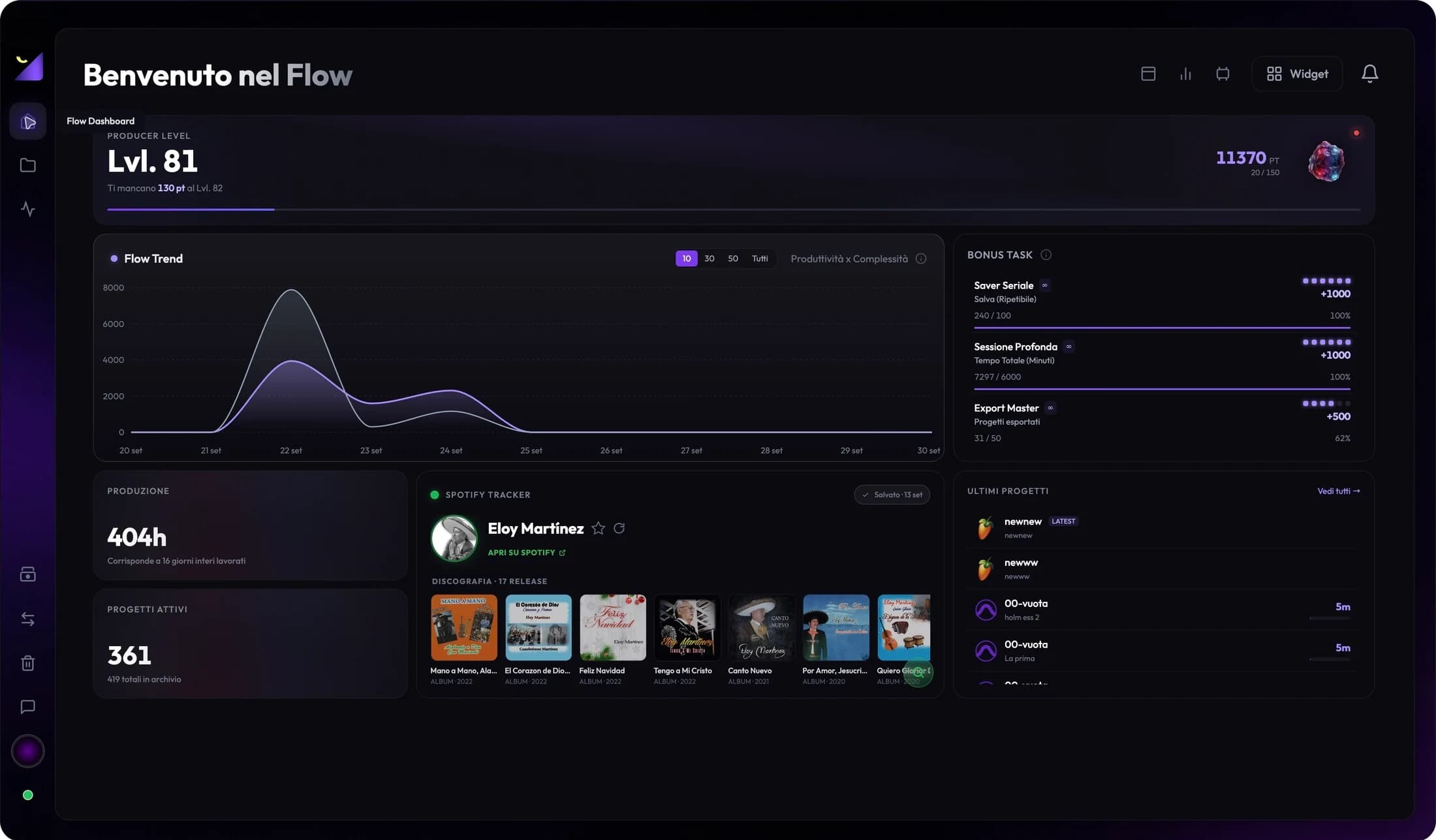
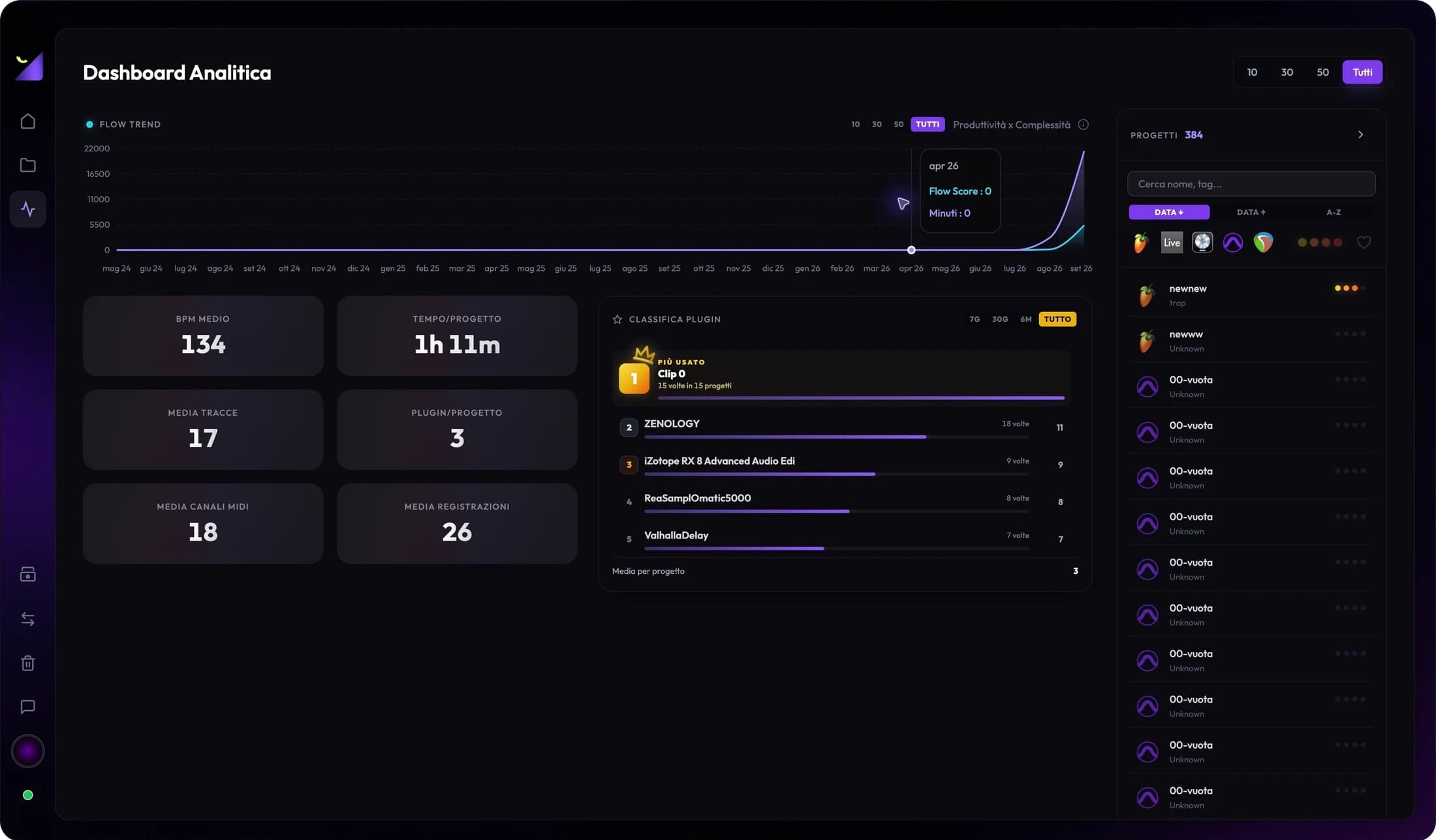
The recap uses detected and synced data such as estimated hours, work counts, application distribution and plugins. Cards and stories can present evolution, activity and workflow identity. Production hours remain estimates and rankings depend on the available catalog. The recap does not measure public song plays or certify every session ever created.
Consent for project names
Aggregate statistics and session names are handled separately. Page consent controls name use for features requiring them; without consent, do not assume names appear in the recap. Before sharing a card, check it does not display confidential titles, clients or information you do not want public.
Cards, stories, emblem and level
Available controls let you browse stories and save or share recap, emblem or level visuals. Read the card before exporting and check the image contains the expected period and values. Sharing produces material or opens its workflow; publishing to a social network is a separate step you choose.
Empty data or differences from Dashboard
Check account, synchronization, Bridge when requested, mode, filters and period. An online recap may use an older snapshot while the local dashboard has just read new projects. With several computers, do not assume totals sum as a single file archive. For persistent anomalies, report the period and metric to support.
Frequently asked questions
Does syncing Wrapped upload complete sessions?
No. Synchronization concerns the function’s data and statistics. Use Project Transfer or a separate backup for sessions and media.
Why is Wrapped absent from my account menu?
It may not be enabled for your account or may require sign-in and available data. Check your profile and website instructions.
Try it with your next project
Wolflow is a desktop app for Windows and macOS. Free conversions and backups require a connected account to verify the 7-day quota; Disk Management is a PRO feature. Check the plans for availability.